





Description
Scanmarker Max: Reader/Translator/Notes/Exams in Canada.
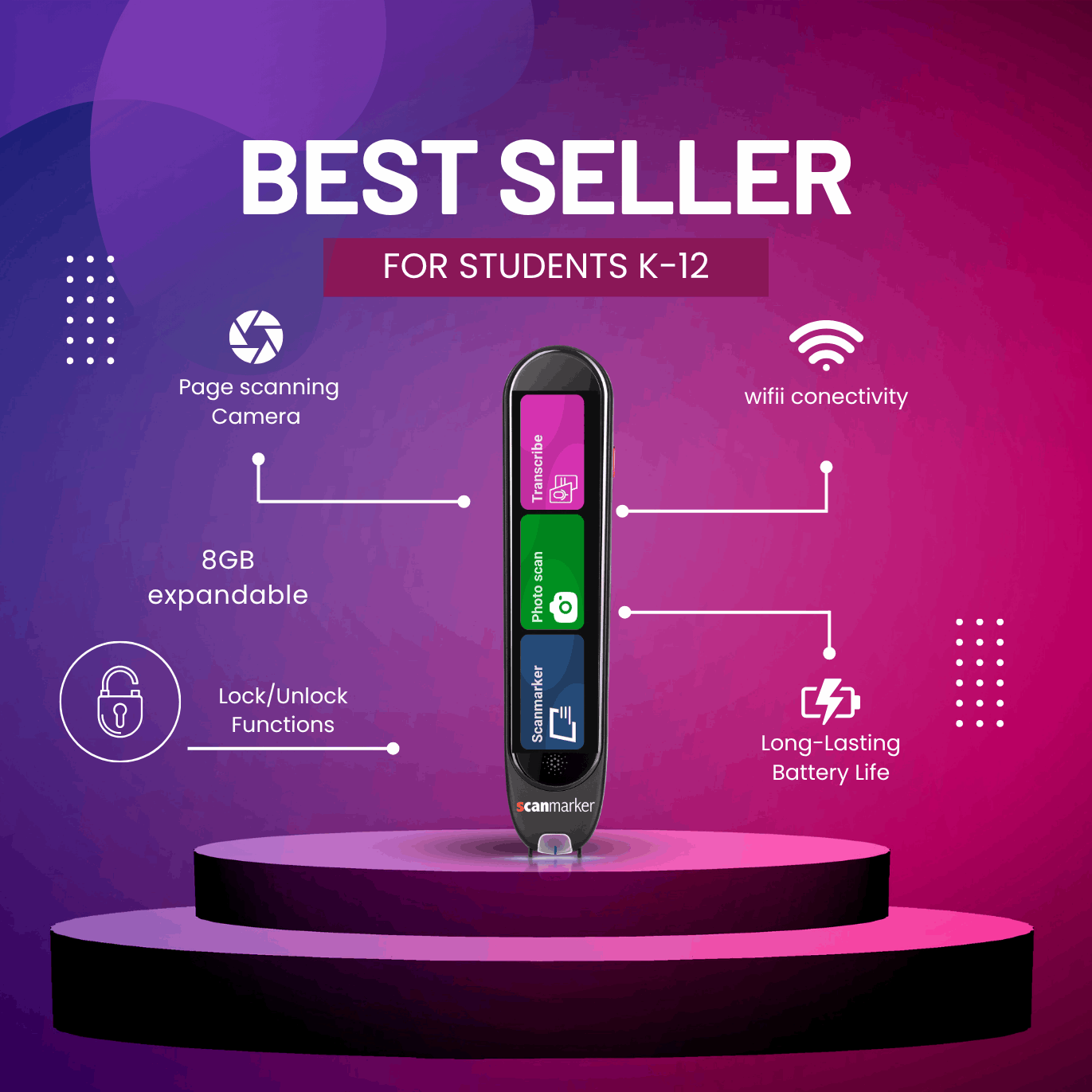
Scanmarker Max (handheld scanner) includes all functions of the Scanmarker Pro plus advanced tools for educators and exam settings — including lock/unlock control for secure use. It’s built for classrooms, exams, and professional users who need precise scanning, transcription, and translation in one portable device.
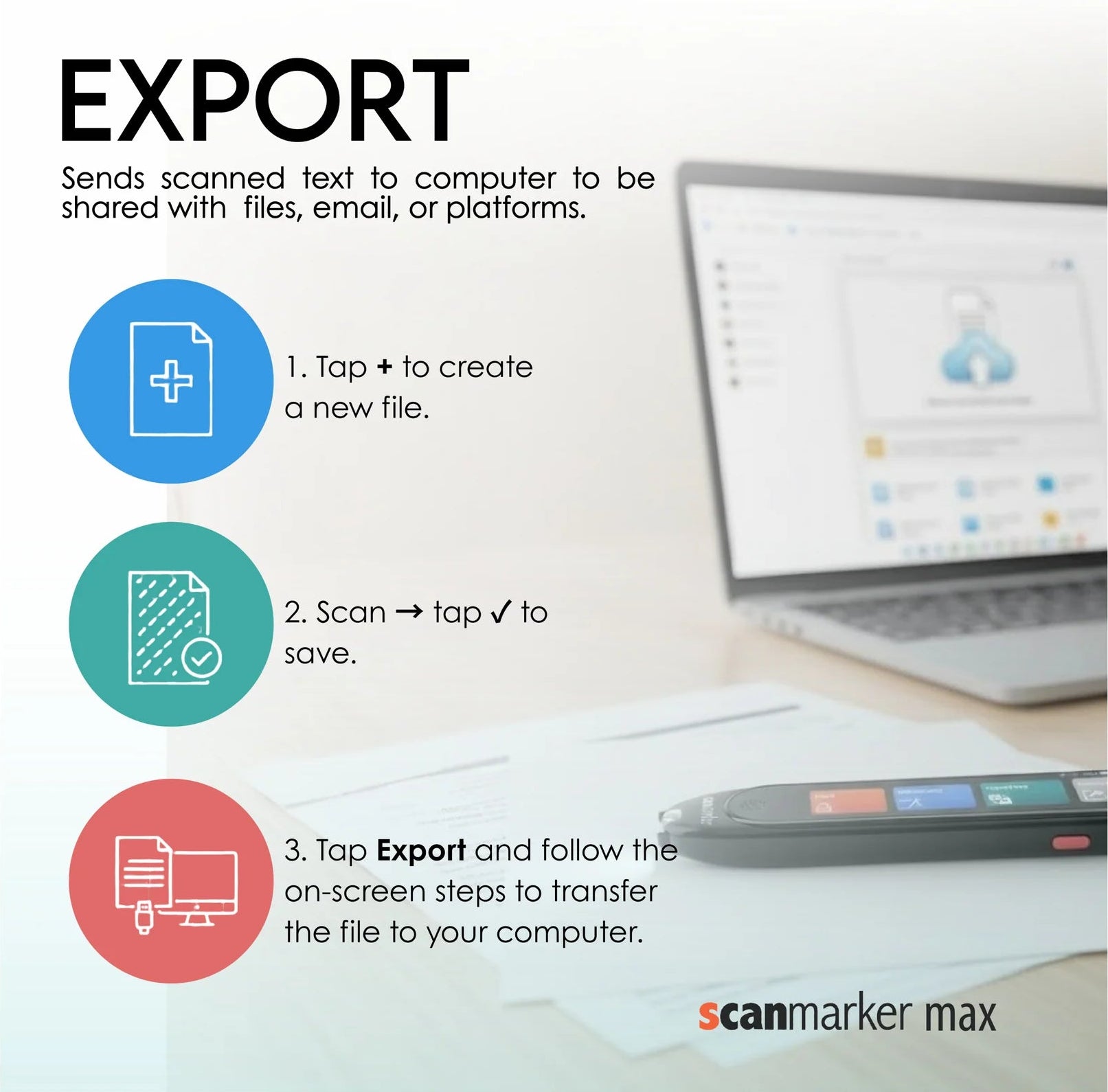
- Online Software Connection: Connect with the web app to scan directly to a computer in real time. Compatible with chrome browser only. (iOS not compatible). Send scan text to a computer for further edit, share, and 50 dictionaries. Need more information please contact us.
- Software to connect: www.app-max.scanmarker.com
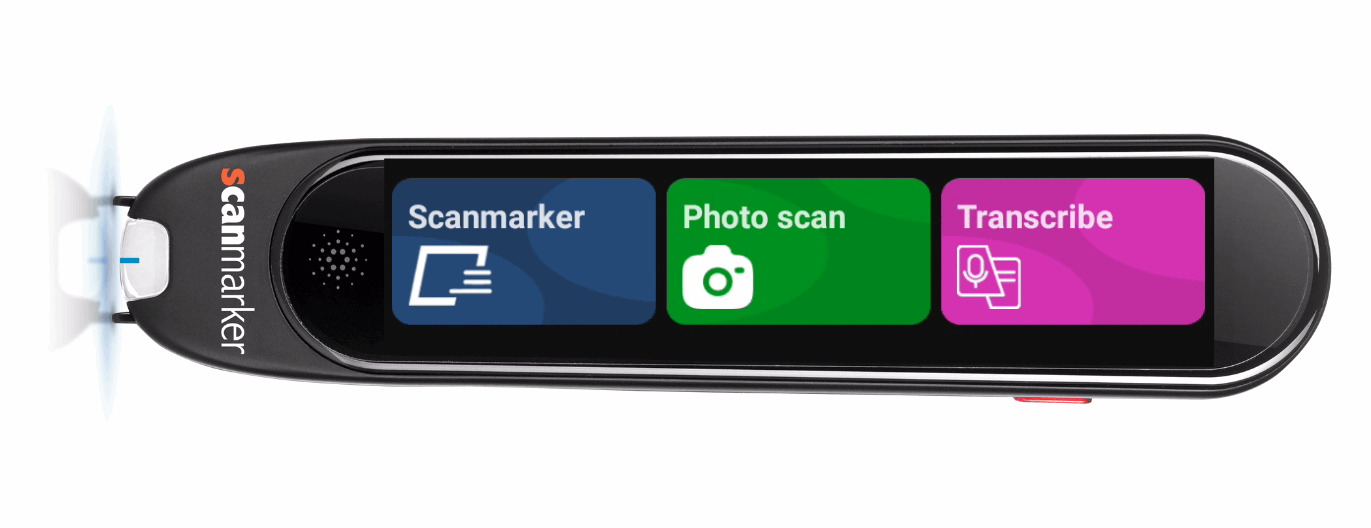
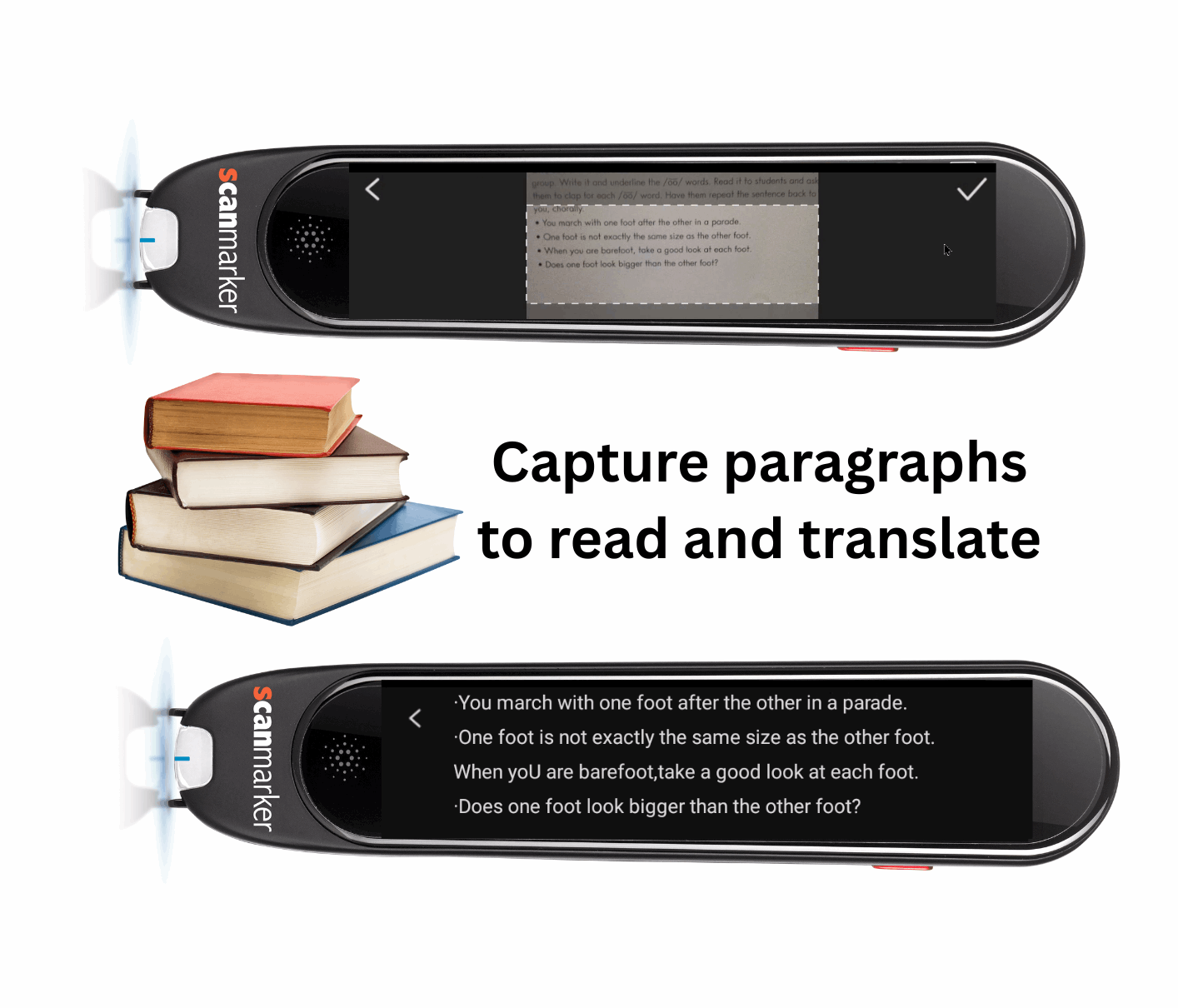
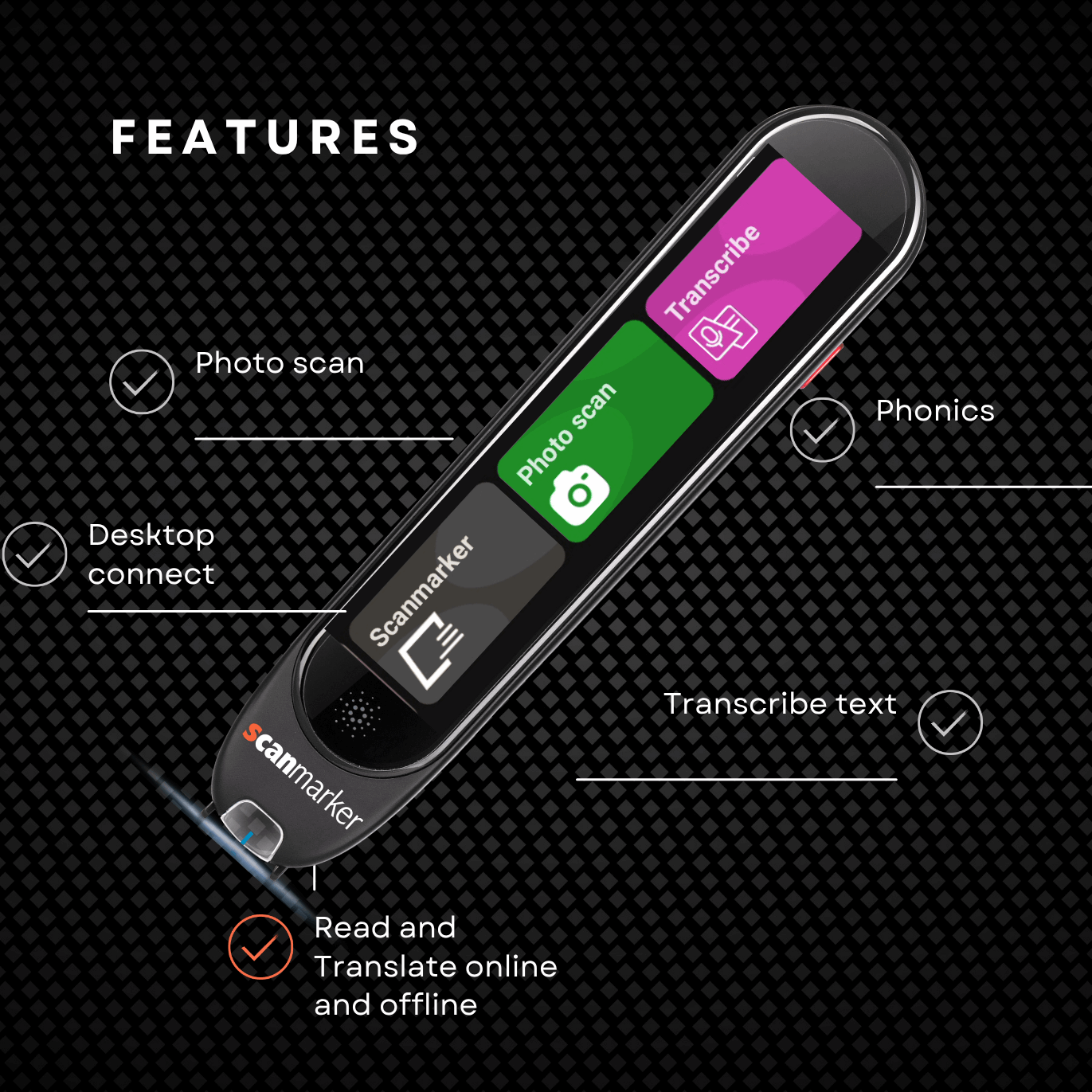
- Photo Scan: Capture paragraphs with the built-in camera to read aloud and translate.
- Transcribe: Convert spoken words into editable text in real time.
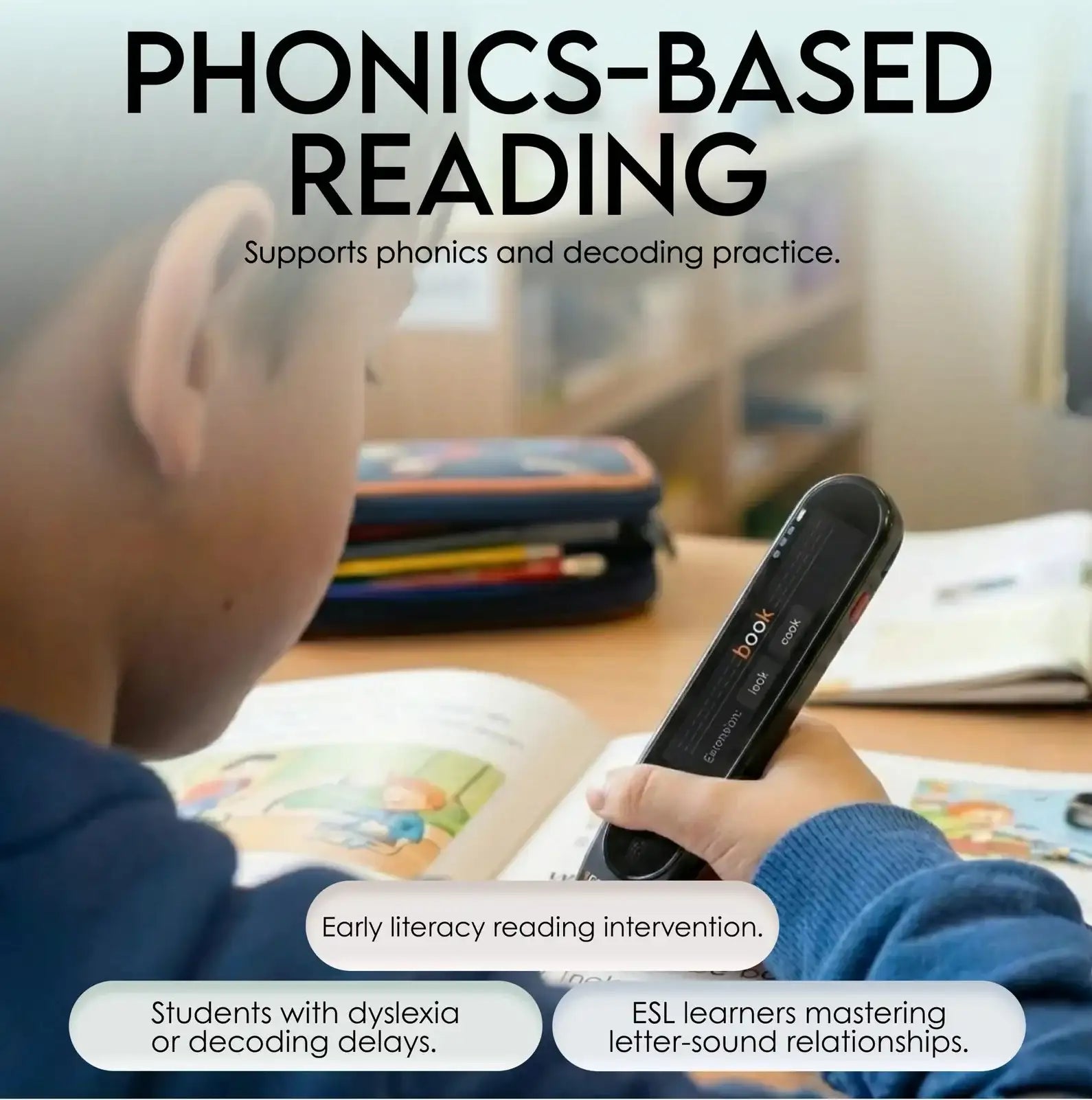
- Phonics: Listen to and view phonetic spellings to support reading development. Download the phonics words list supported: here
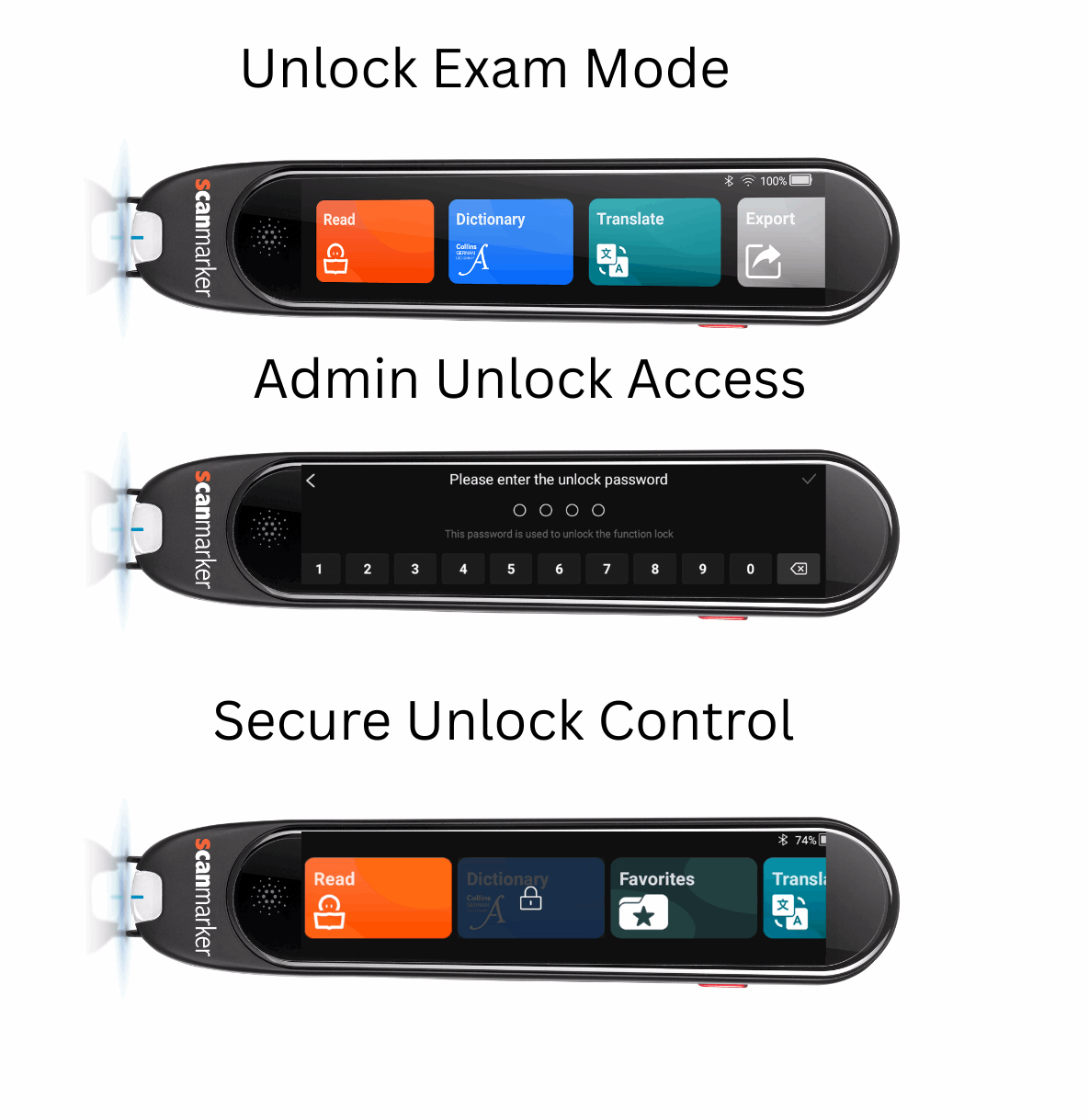
The Scanmarker Max includes an Exam Mode that allows administrators to lock and unlock specific functions using a secure password. When Exam Mode is activated, features such as Dictionary, Translate, or Favorites can be restricted, and a lock icon appears on the screen to indicate they are disabled. Only the administrator can enter the password to unlock these functions, adjust what is allowed during testing, or return the device to normal mode. This ensures controlled, compliant use of the pen reader during exams.
The Scanmarker Max also supports secure Wi-Fi networks that require both a username and password to authenticate, not only simple networks that use a Wi-Fi name and password. This allows the device to connect to enterprise or school networks that use advanced authentication portals. Once the credentials are entered, the pen connects normally and retains access for online features while maintaining network security requirements.
ScanMarket Max Exam Mode
Scanmarker Max is a portable, standalone scanning pen designed for educators, students, and professionals that offers precise scanning, translation, and text-to-speech functionality, along with a secure "Exam Mode" for testing environments.
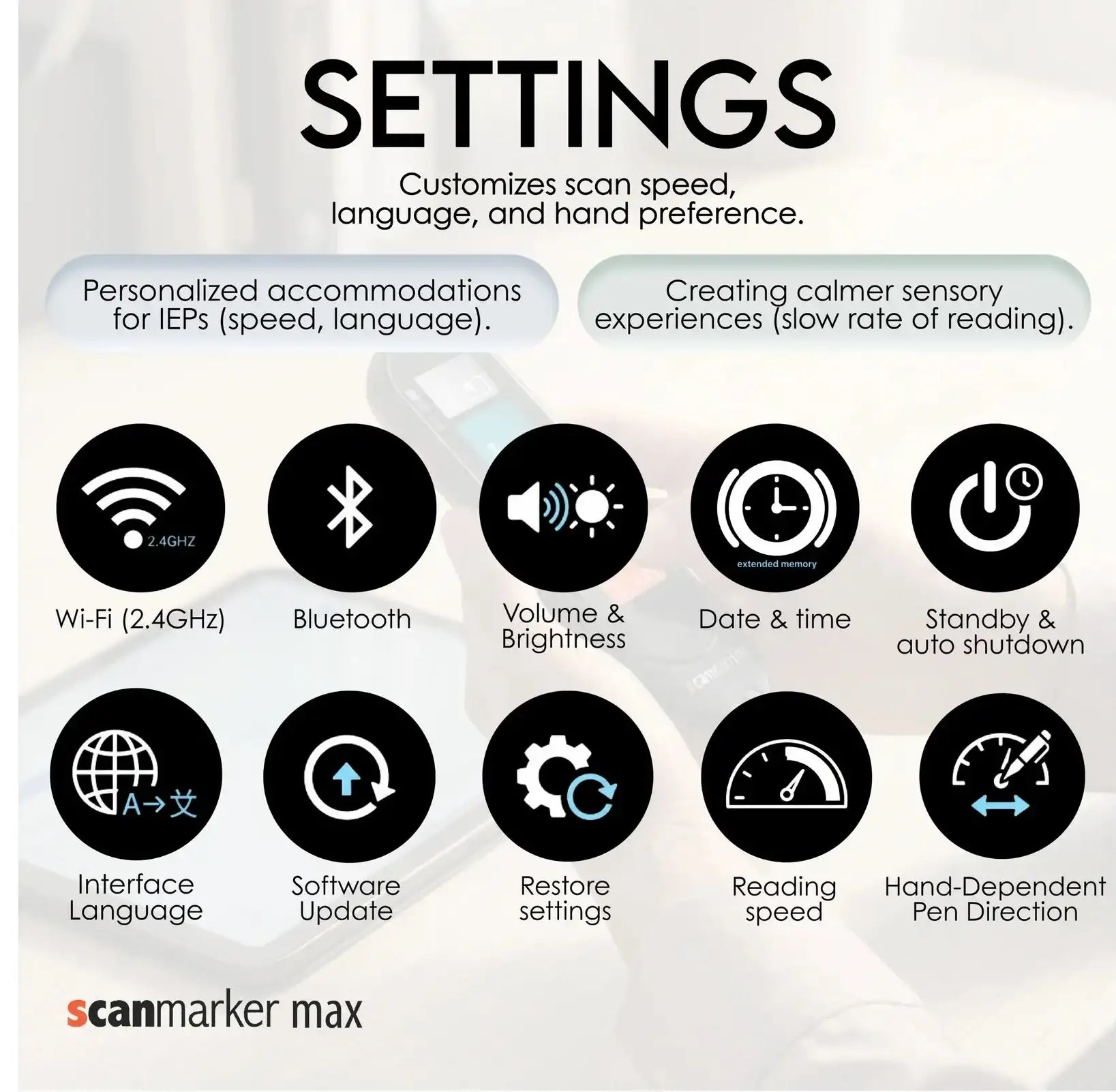
ScanMarker Max is a fully standalone, touchscreen reading device—no computer or mobile app required. It features built-in Wi-Fi for online language packs and Bluetooth for wireless earbuds, so you can read, listen, translate, and take notes anywhere. And advanced tools for educators and exam settings — including lock/unlock control for secure use. It’s built for classrooms, exams, and professional users who need precise scanning, transcription, and translation in one portable device.
Key Features and Specifications
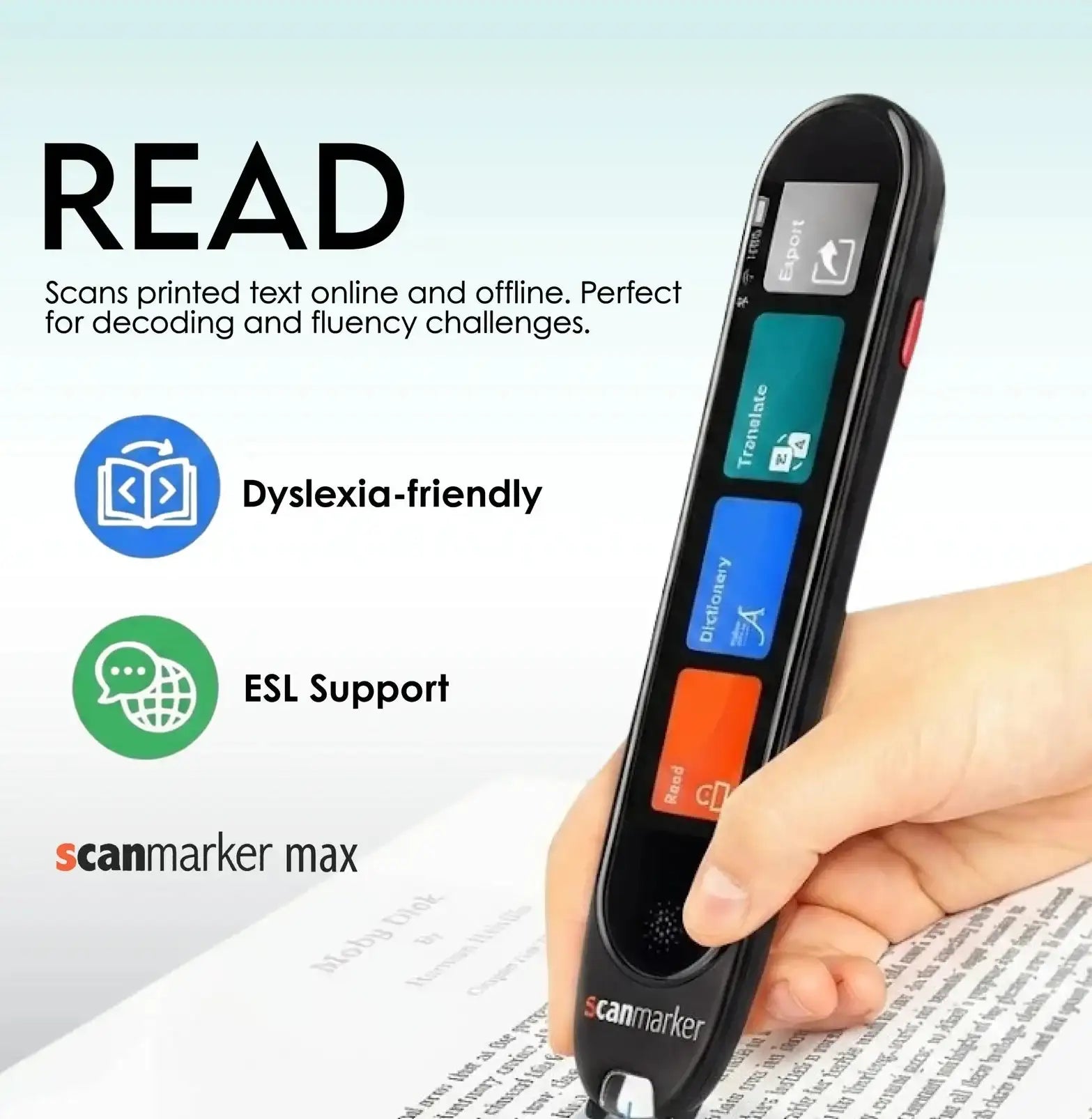
- Scanning and Text-to-Speech: Scans printed text line by line and reads it aloud in real-time, with the text appearing on the built-in screen. This is an effective assistive tool for those with dyslexia or other learning difficulties.
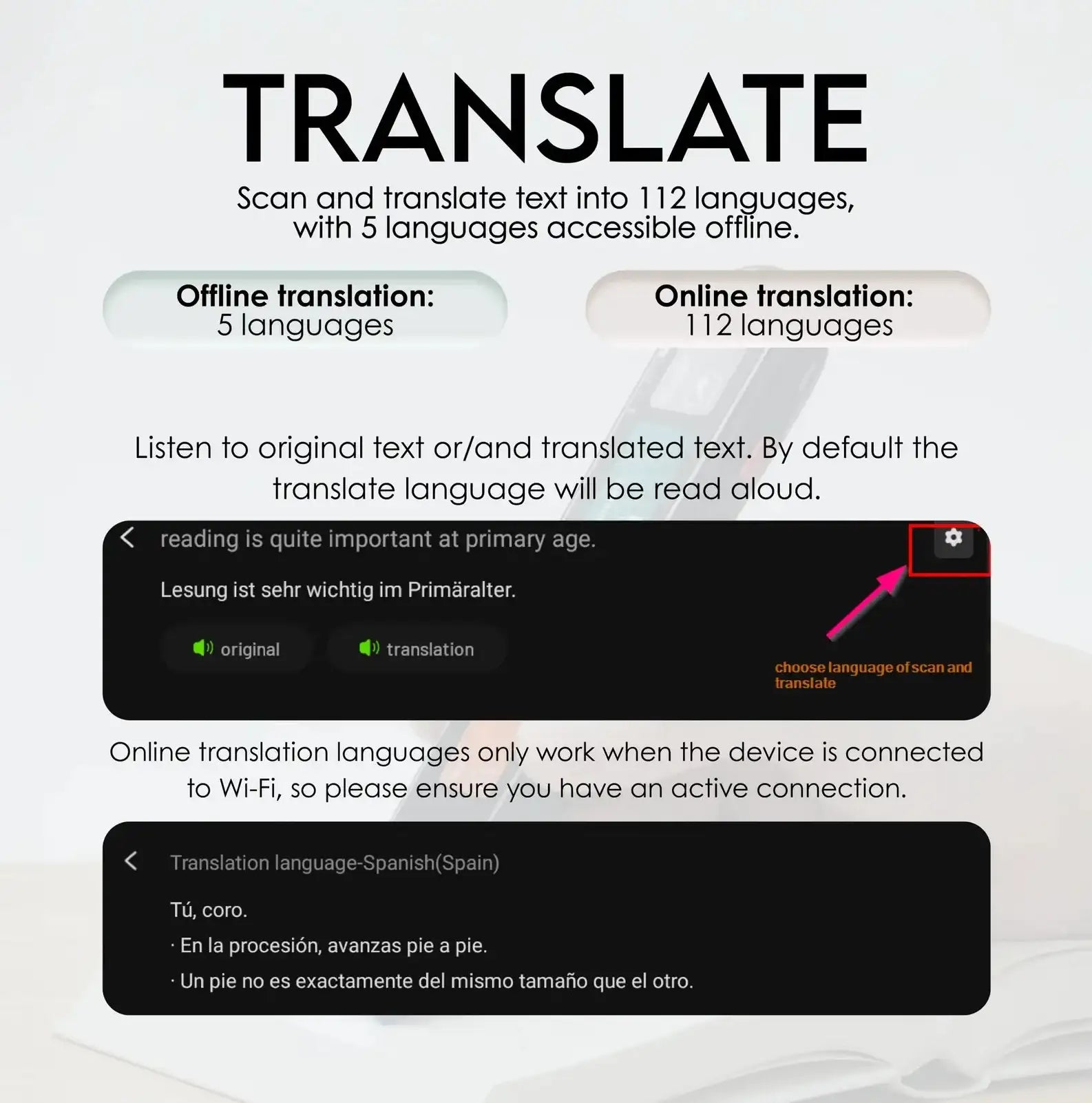
- Translation: Translates scanned text both online (112 languages) and offline (English, French, Spanish, Italian, and German). It also has a voice translation mode for live, two-way communication in over 100 language pairs (requires Wi-Fi).
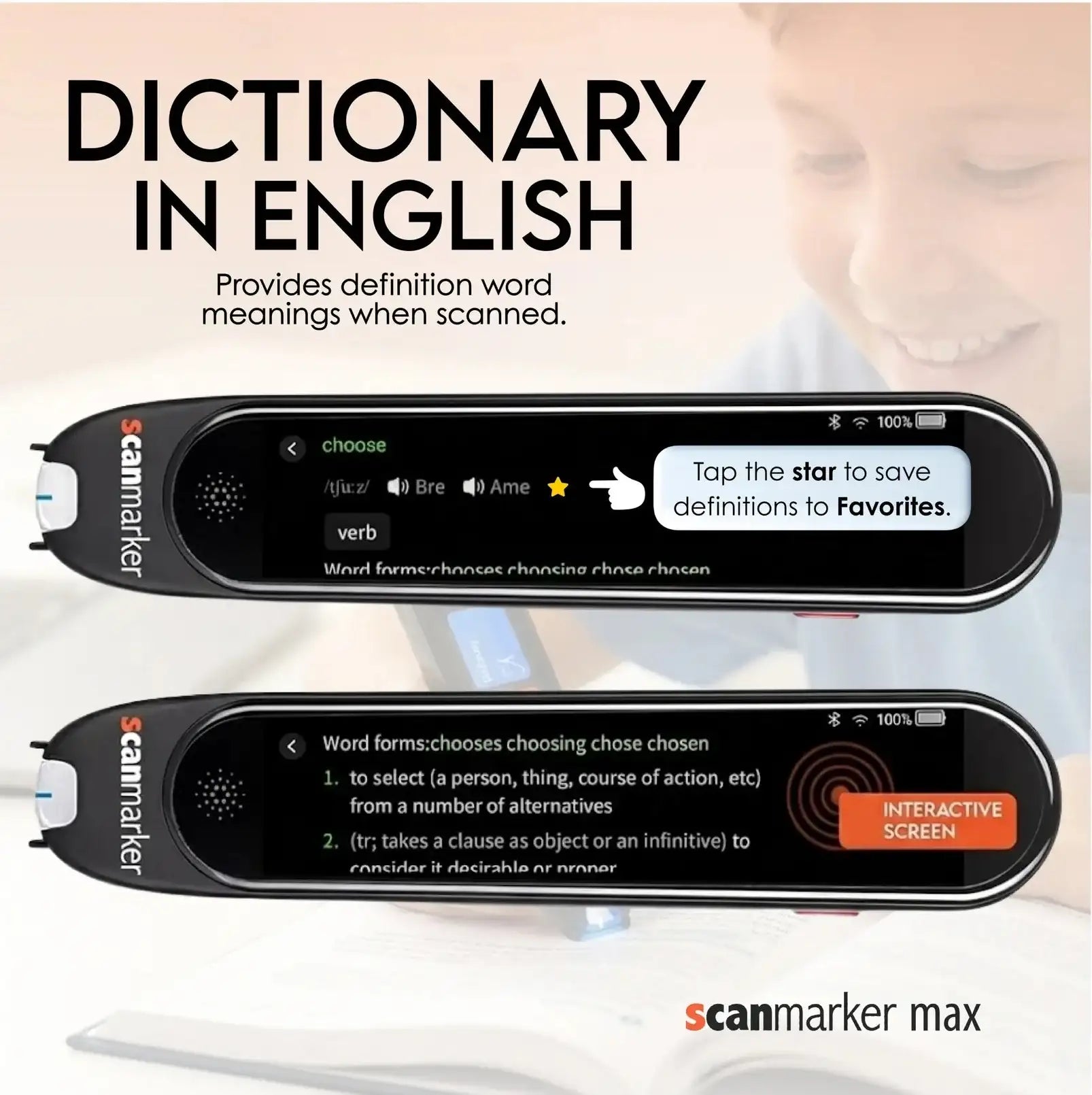
- Dictionary: Offers an English dictionary feature to look up and listen to read-aloud definitions and pronunciations.
-
Exam Mode: A key feature that allows administrators to lock or unlock specific functions using a secure password, ensuring compliant use during exams.
- Connectivity: Supports secure Wi-Fi networks (requiring both username and password) for online features and also connects to computers via a web app for editing and exporting notes.
- Additional Functions: Includes voice recording for notes, photo scanning for paragraphs of text, and the ability to transcribe spoken words into editable text in real-time.
- Portability: It is a compact, lightweight handheld device, designed for use on the go.

Key Features
- Reading (Online and 5 Offline): Read printed text line by line in multiple languages directly from the pen’s screen.
- Offline languages: English, French, Spanish, Italian, and German.
- English Dictionary: Look up and listen to read-aloud definitions and pronunciations in English, with the ability to save favorite entries for repeated listening.
- Favorites: Save words and phrases to practice reading and vocabulary.
- Translation: Translate printed and scanned text both online and offline.
- Voice Translation Mode: Conduct live, two-way voice translation in 100+ language pairs for effortless communication. (Wi-Fi connection required.)
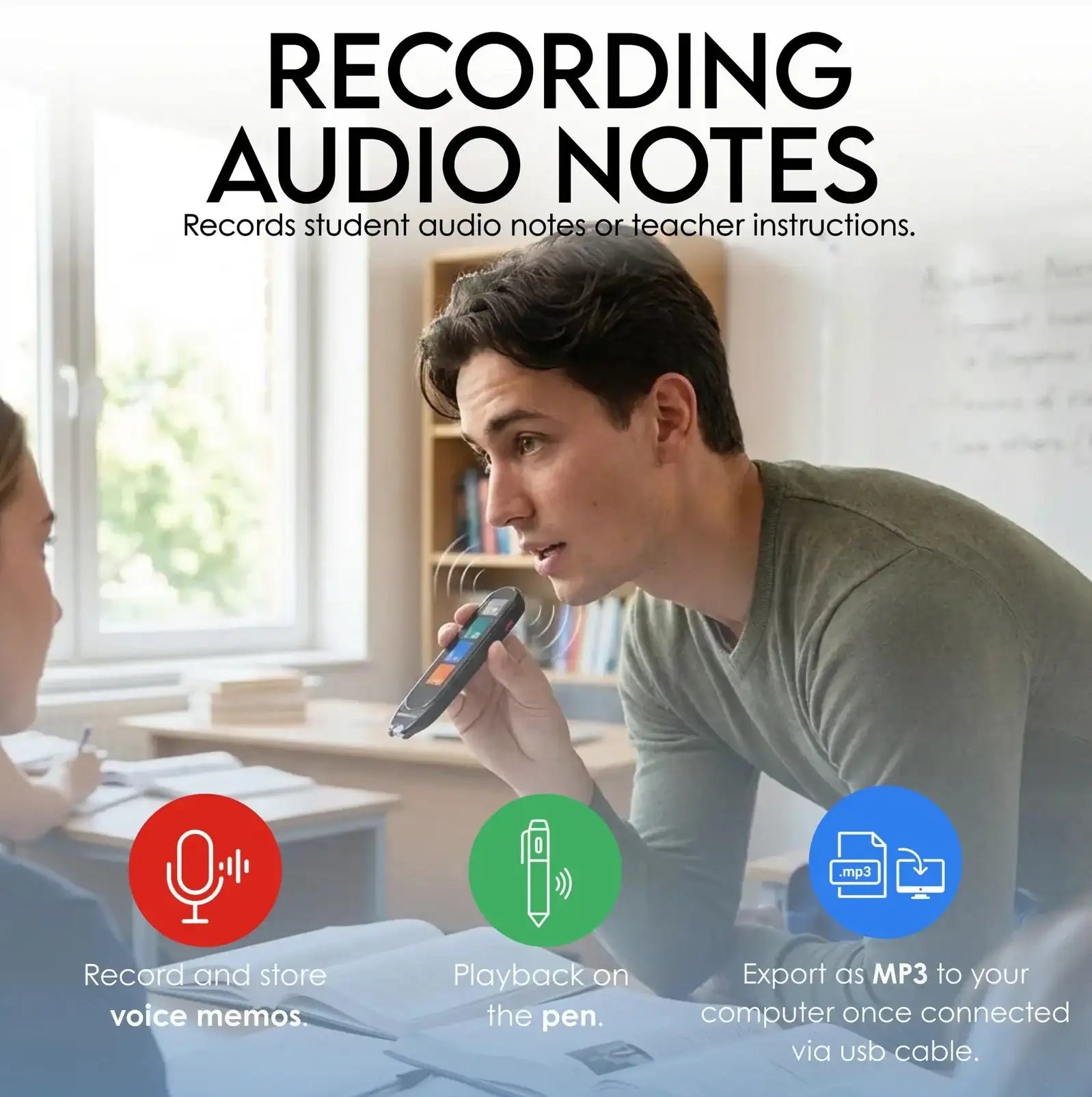
- Voice Recording: Capture quick voice notes on the go so no idea is ever lost.
- Export: Export scanned text and connect to a computer for further editing.
- Voice Translation: Voice translation online in 112 languages.
- Recording: Save voice memos and export them to a computer.
- Web Software Connection: Connect with the web app to scan directly to a computer in real time.
- Website: https://app-max.scanmarker.com
- Photo Scan: Capture paragraphs with the built-in camera to read aloud and translate.
- Transcribe: Convert spoken words into editable text in real time.
- Phonics: Listen to and view phonetic spellings to support reading development. Download the phonics words list supported: here
The Scanmarker Max includes an Exam Mode that allows administrators to lock and unlock specific functions using a secure password. When Exam Mode is activated, features such as Dictionary, Translate, or Favorites can be restricted, and a lock icon appears on the screen to indicate they are disabled. Only the administrator can enter the password to unlock these functions, adjust what is allowed during testing, or return the device to normal mode. This ensures controlled, compliant use of the pen reader during exams.
The Scanmarker Max also supports secure Wi-Fi networks that require both a username and password to authenticate, not only simple networks that use a Wi-Fi name and password. This allows the device to connect to enterprise or school networks that use advanced authentication portals. Once the credentials are entered, the pen connects normally and retains access for online features while maintaining network security requirements.
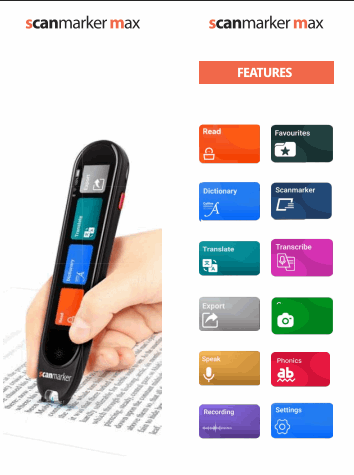
- Read
- Dictionary
- Translate
- Export
- Speak
- Recording
- Favorites
- Scanmarker
- Transcribe
- Photo scan
- Phonics
- Settings
- Windows
- Apple
Scanmarker APP
- Download the digital version of manual Scanmarker Max
- Download the phonics words list supported