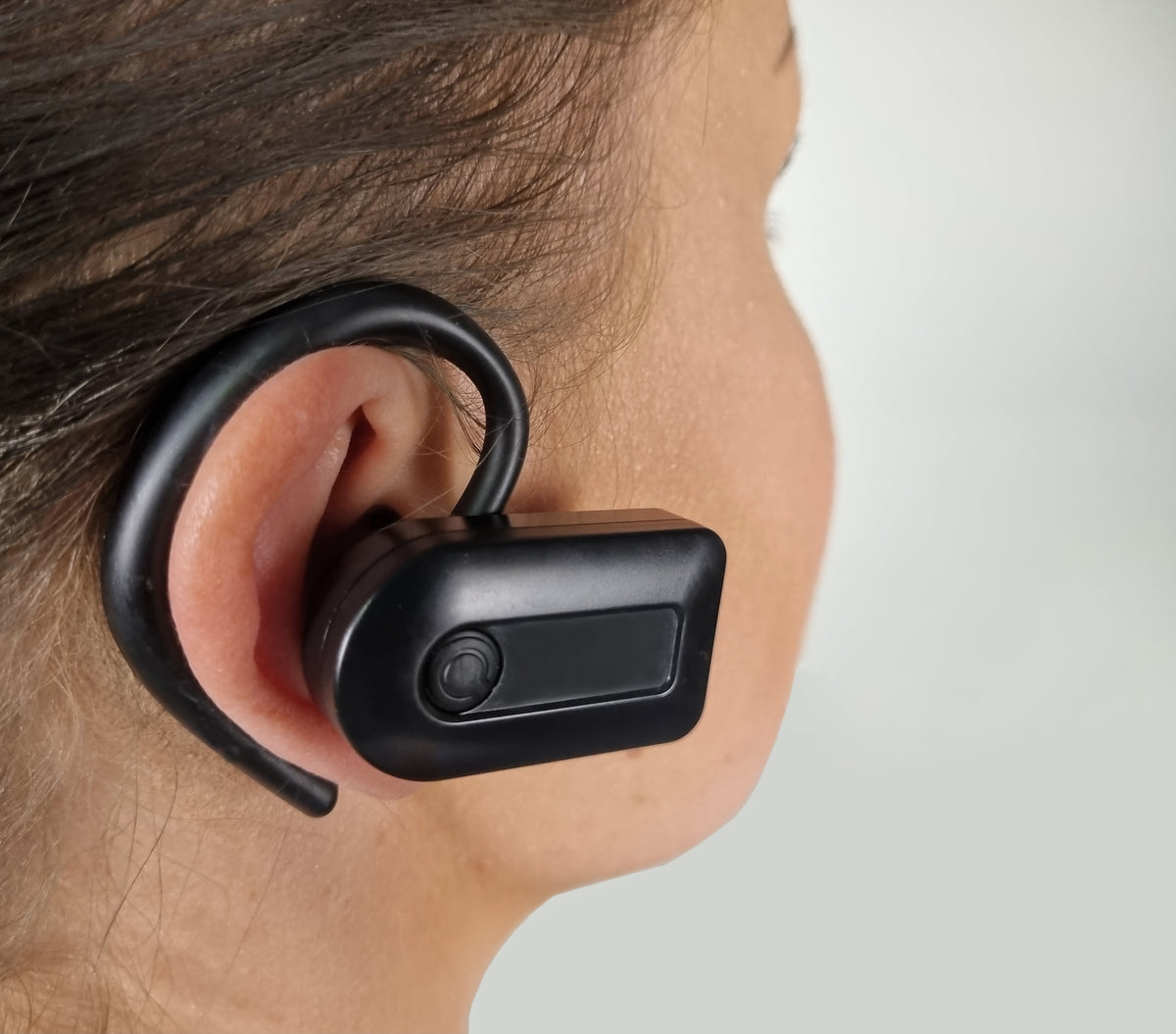
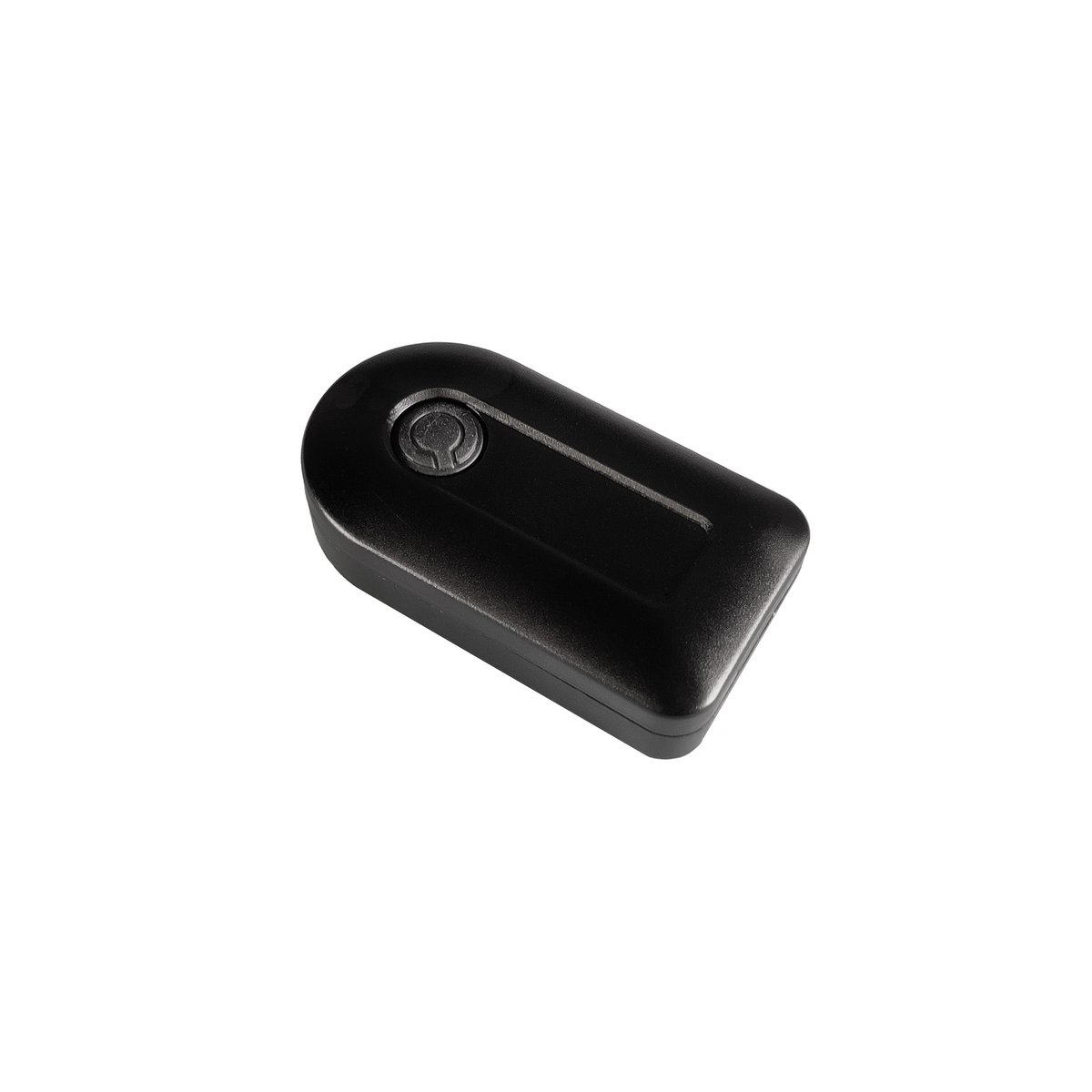
Quha Zono X Gyroscopic Bluetooth Head Mouse in Canada.
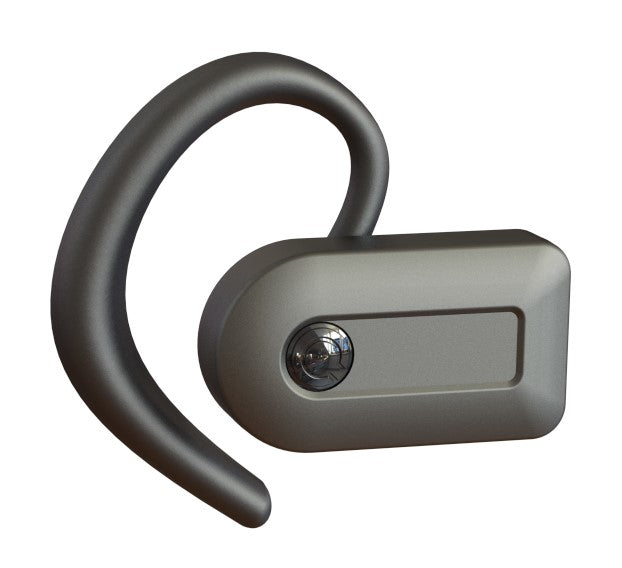
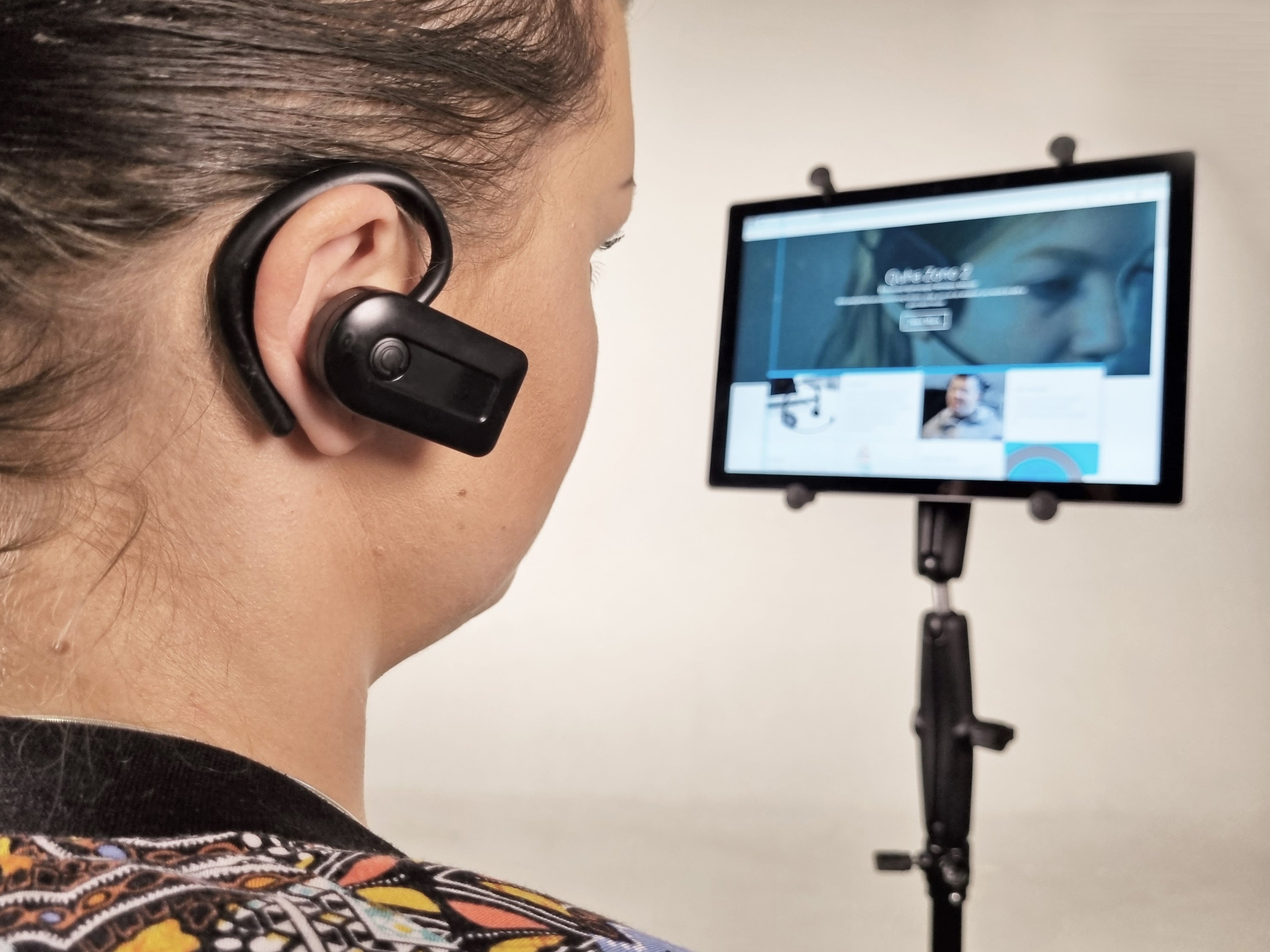
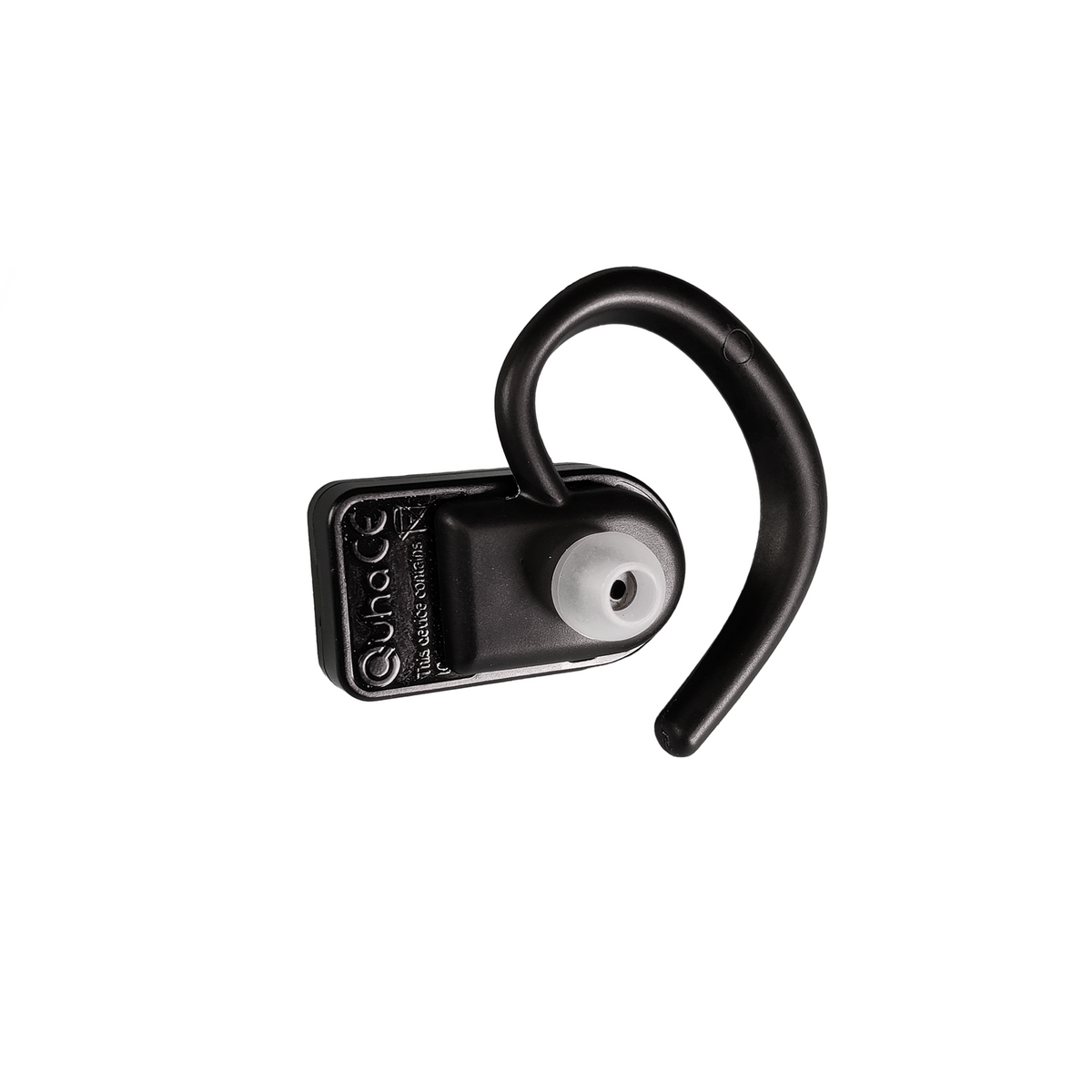
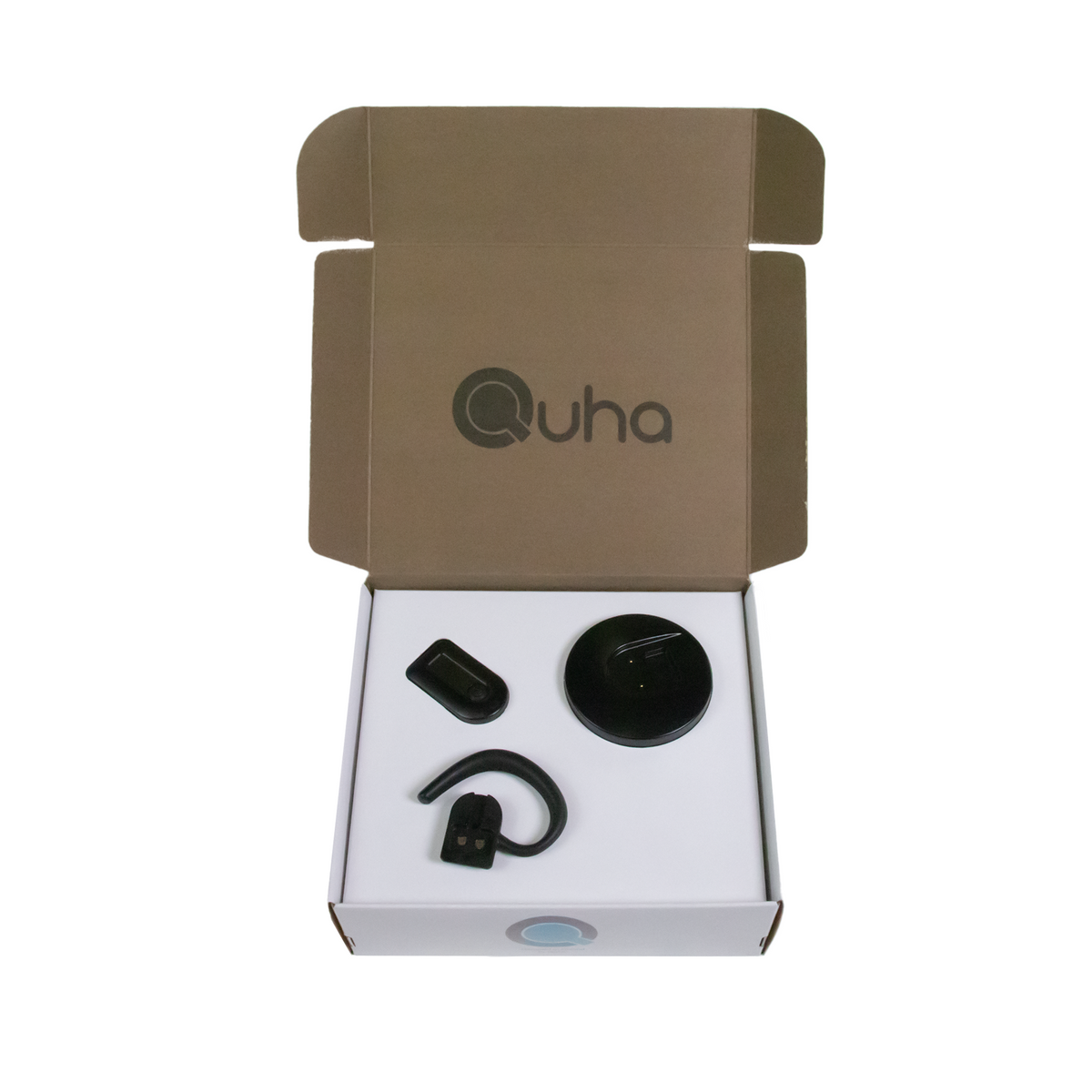
GYROSCOPIC BLUETOOTH HEAD MOUSE: Quha Zono X is a new tiny handsfree Bluetooth mouse for people who can’t use desktop mice with their hands. With simple head movements the user can move the cursor accurately on any modern computer or mobile device.
WHO IS QUHA ZONO X FOR?: Quha Zono X is for anyone who has difficulties in operating a computer mouse with hands. Typically Zono X users are people with various medical conditions relating to hand/arm functionality.
CAN I USE QUHA ZONO X WITH MY DEVICES?: Quha Zono X is compatible with all Bluetooth® enabled computers and mobile devices. Compatible operating systems include Windows, macOS, Chrome OS, Android, iPadOS, iOS and Linux.
WHAT CAN I DO WITH THE QUHA ZONO X MOUSE?: With Quha Zono X you can do whatever you can do with a good desktop mouse. It has pixel perfect accuracy, long wireless range and the user can move freely around the computer while using the mouse.
Features
Quha Zono X is a hands-free Bluetooth® head mouse. Its user can perform all regular mouse functions without hands. Quha Zono X is compatible with all modern mouse operated devices that support Bluetooth®: computers, tablets and smartphones.
Intuitive head movements translate to cursor movement onscreel.
Pixel perfect accuracy with small head movements.
Quha Zono X is the most accurate Quha mouse.
Bluetooth connectivity with multi-device switching
Use your device wirelessly. Quha Zono X can be paired with up to four separate devices. It can connect to and easily swap between them.
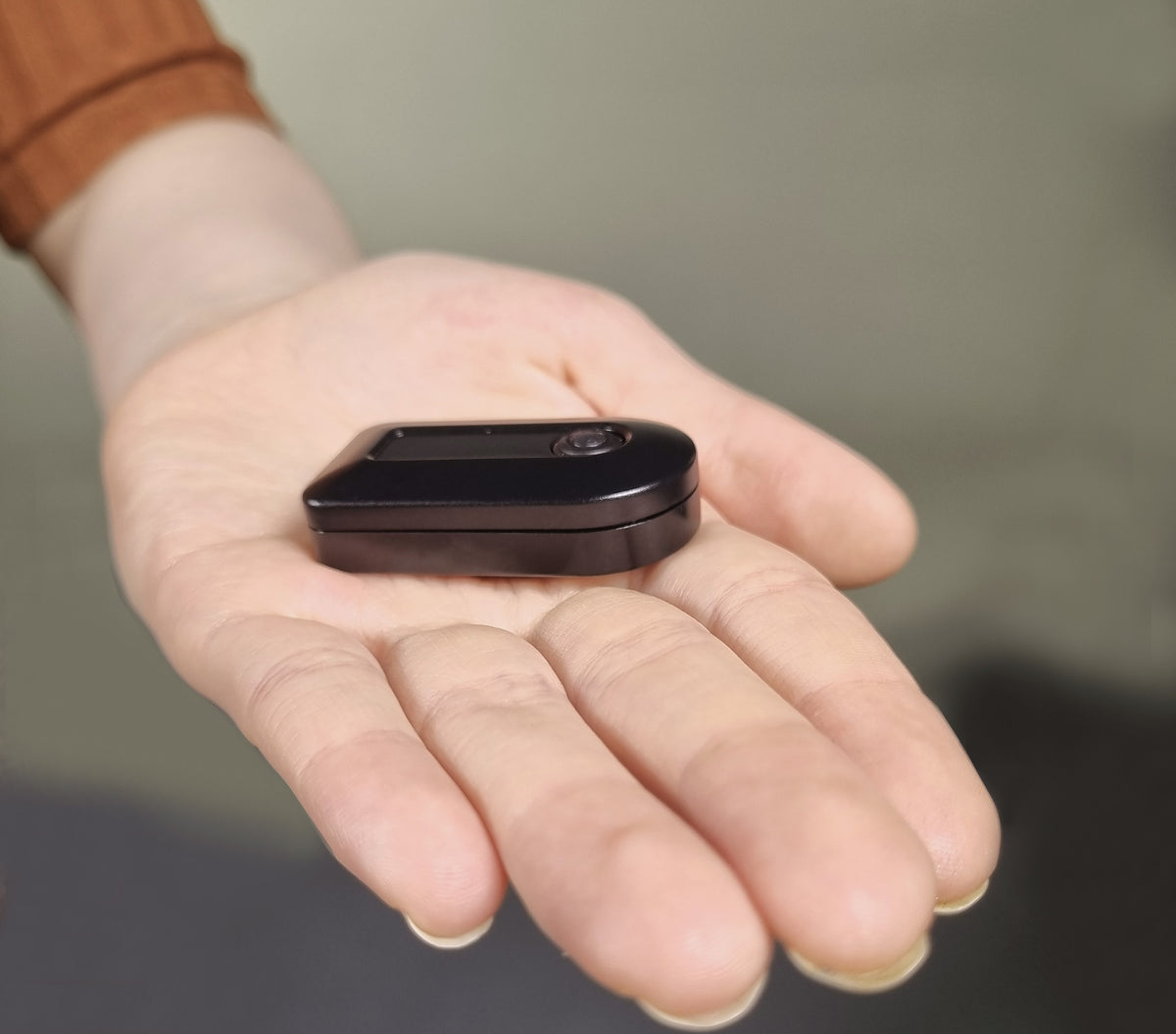
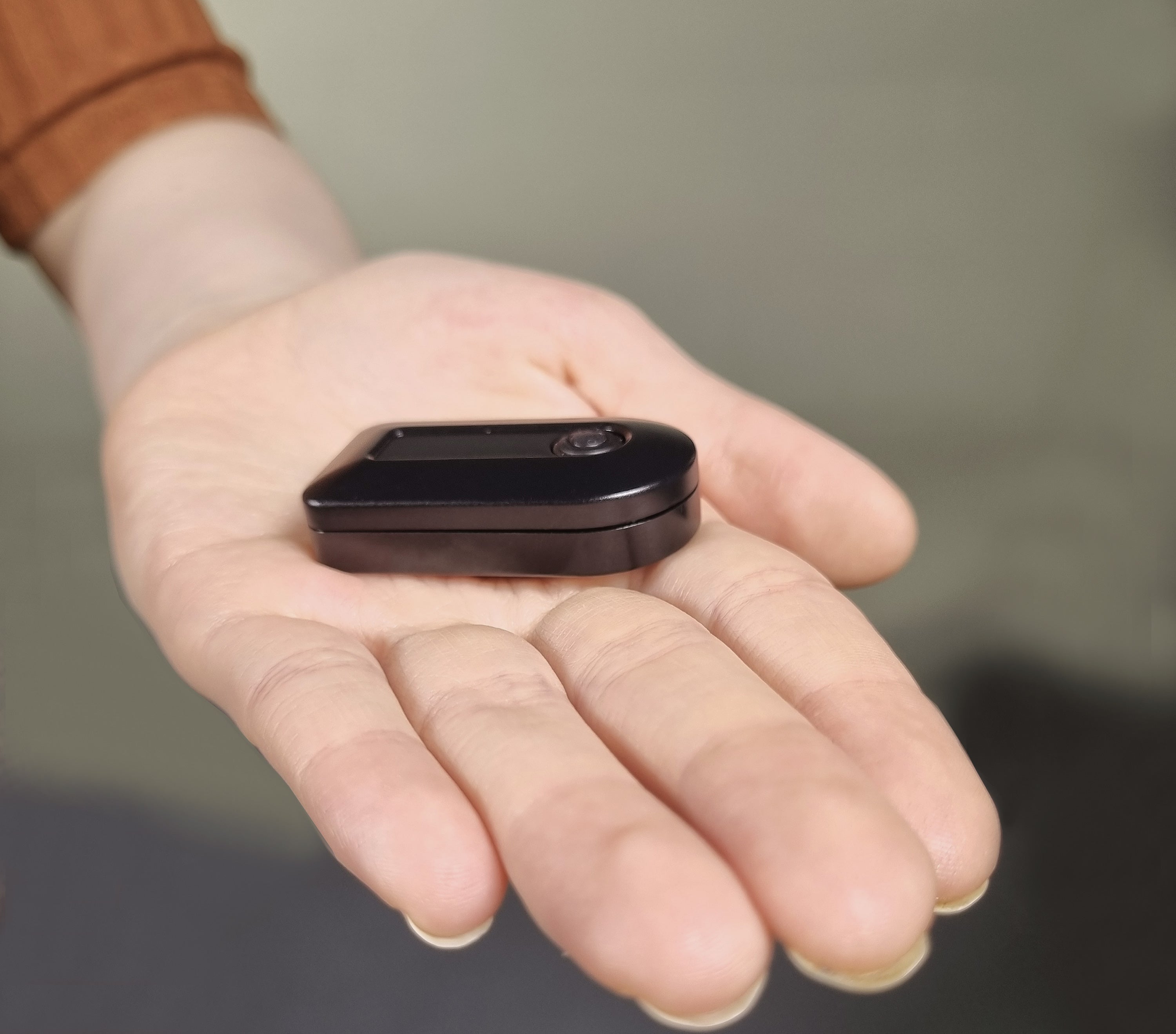
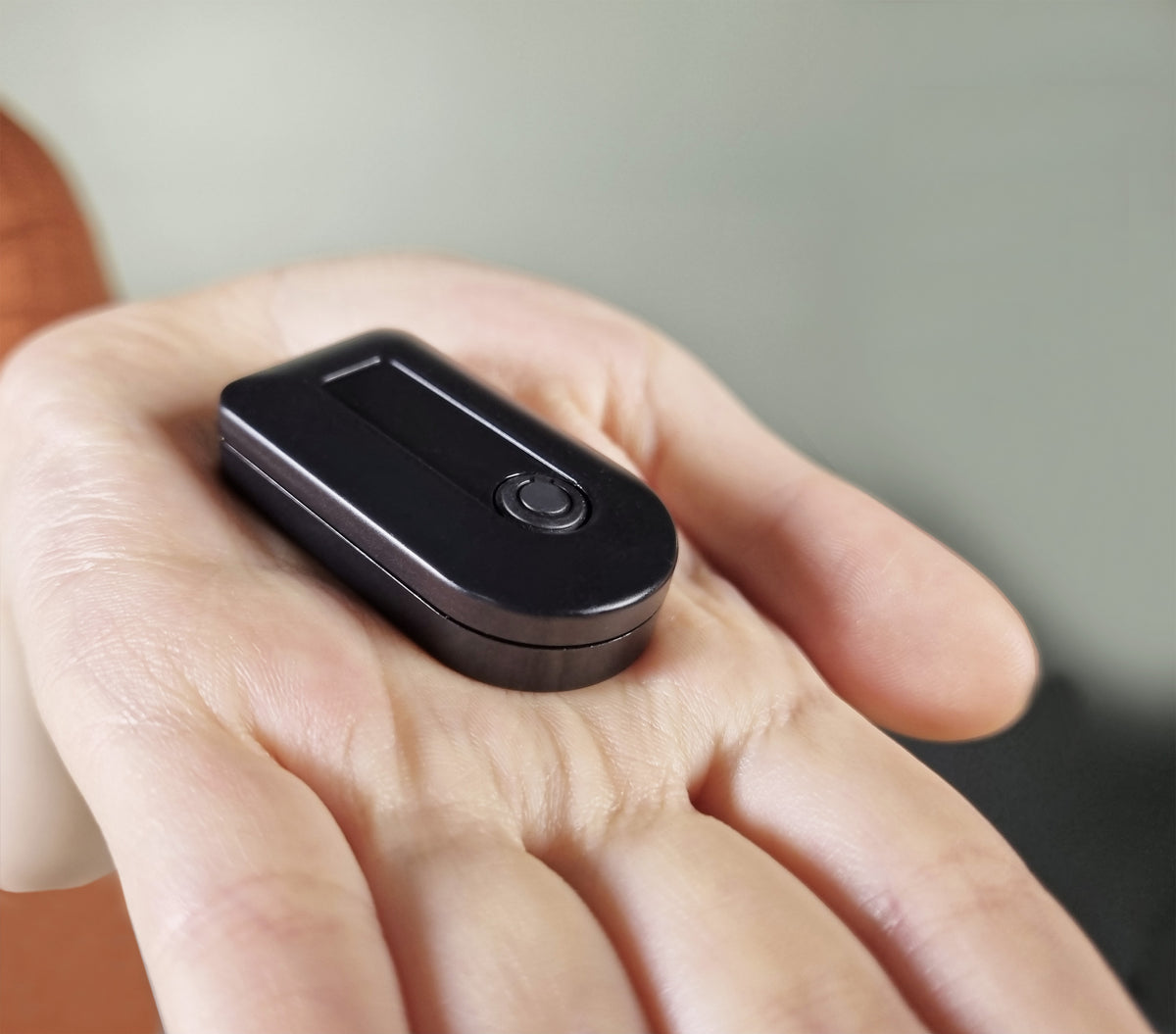
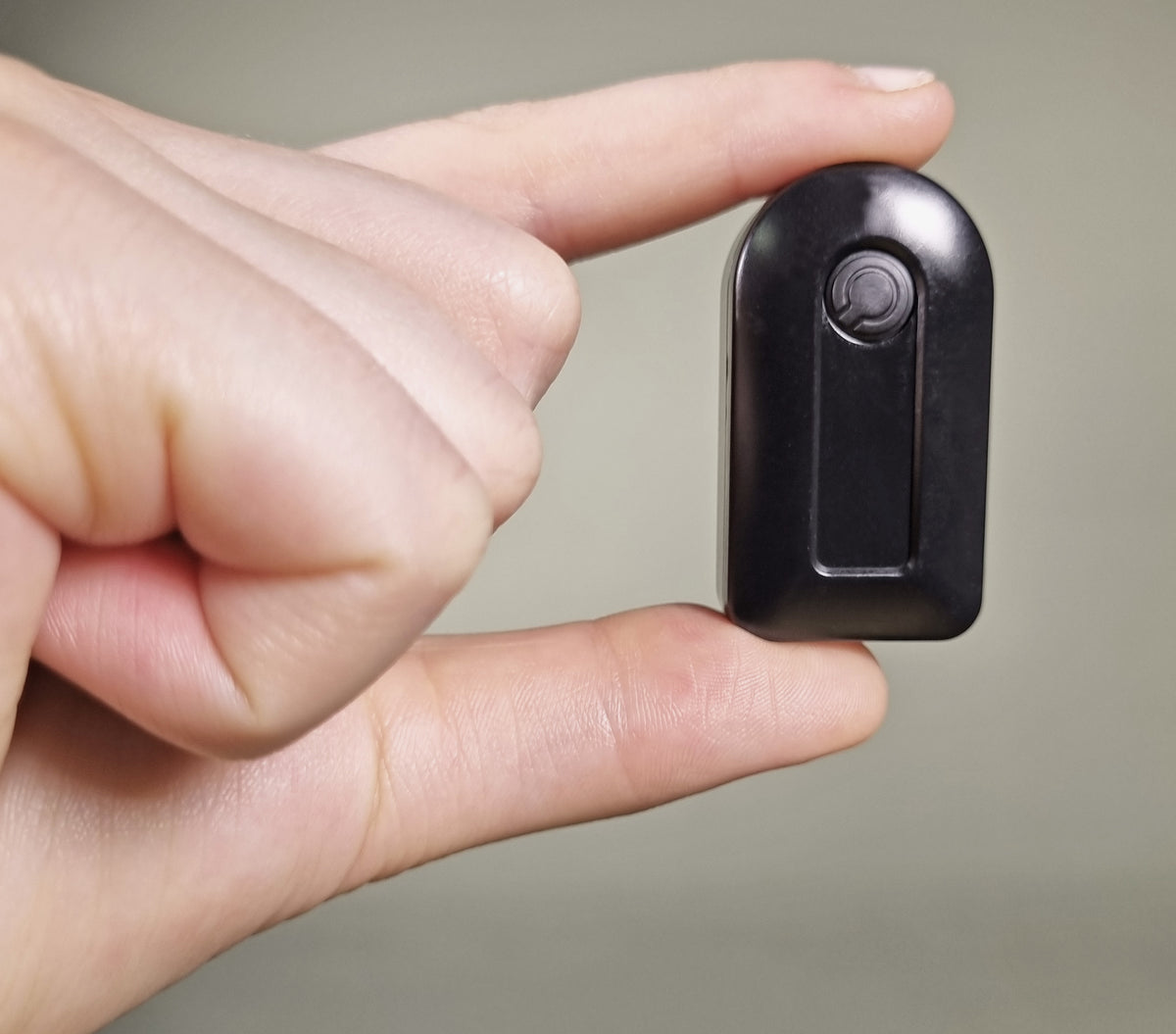
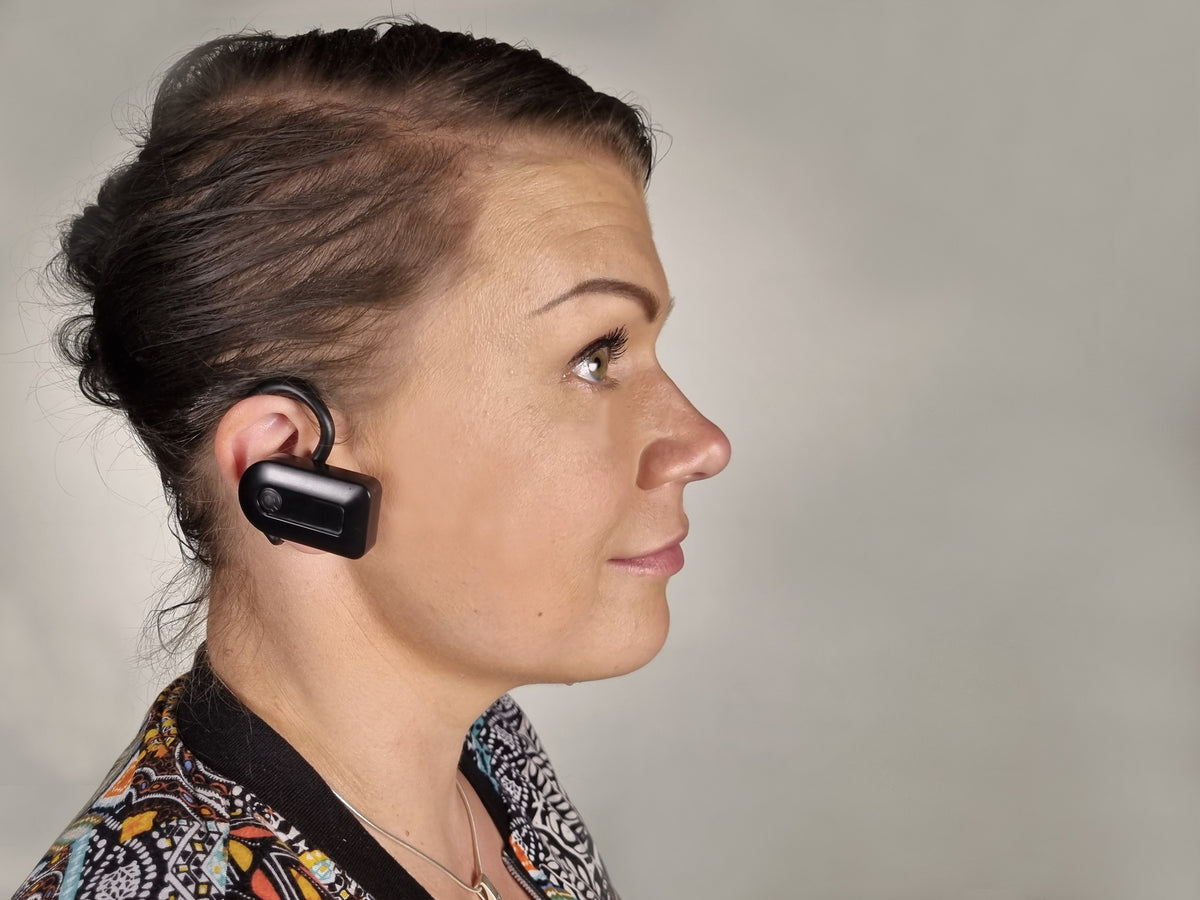
Small and slim design: Length 44 mm / 1.7 inches, width 25 mm / 1.0 inches, thickness 13 mm / 0.5 inches, weight 12 g / 0.4 ounces
Quha Dwell 2 software for Windows
Circular instant dwell menu improves user experience and speeds up the usage.
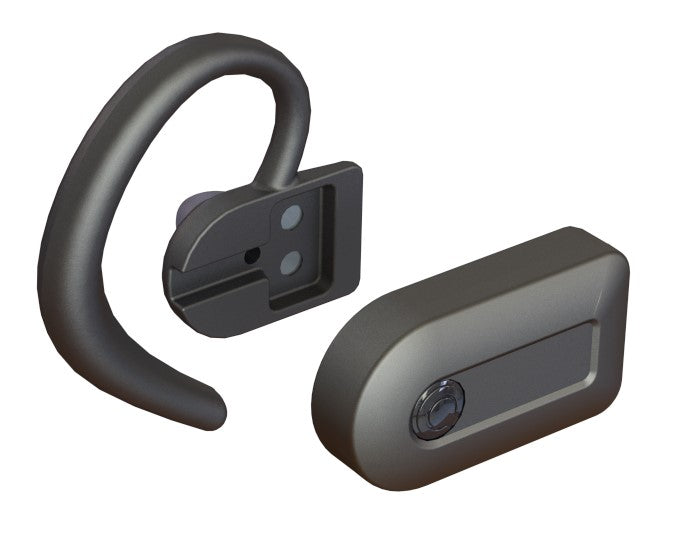
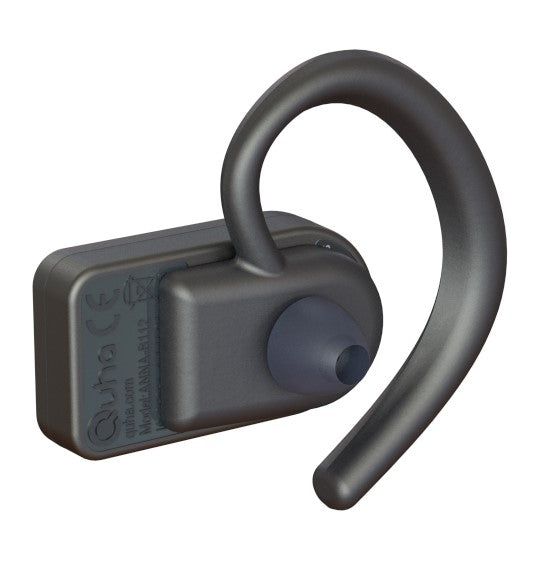
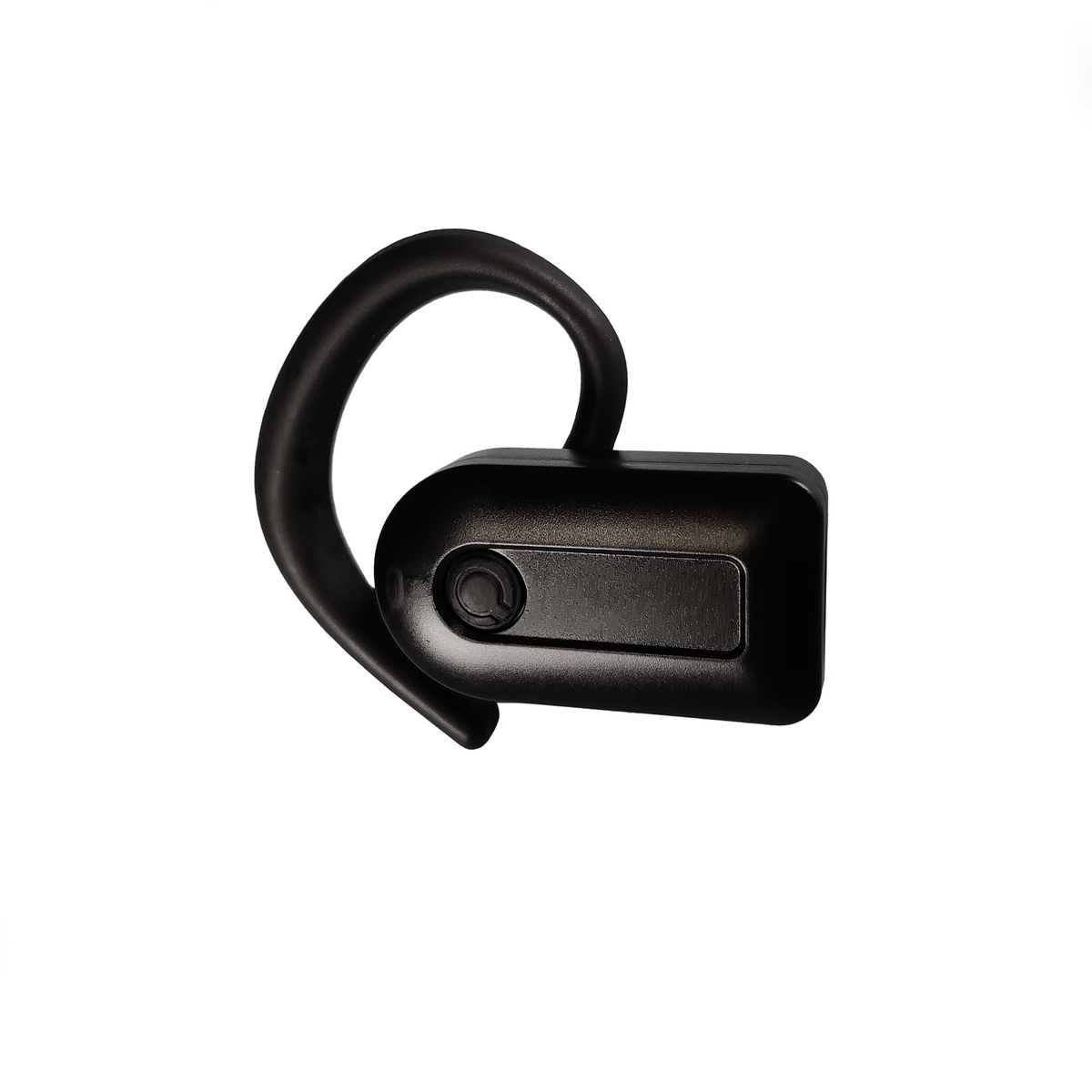
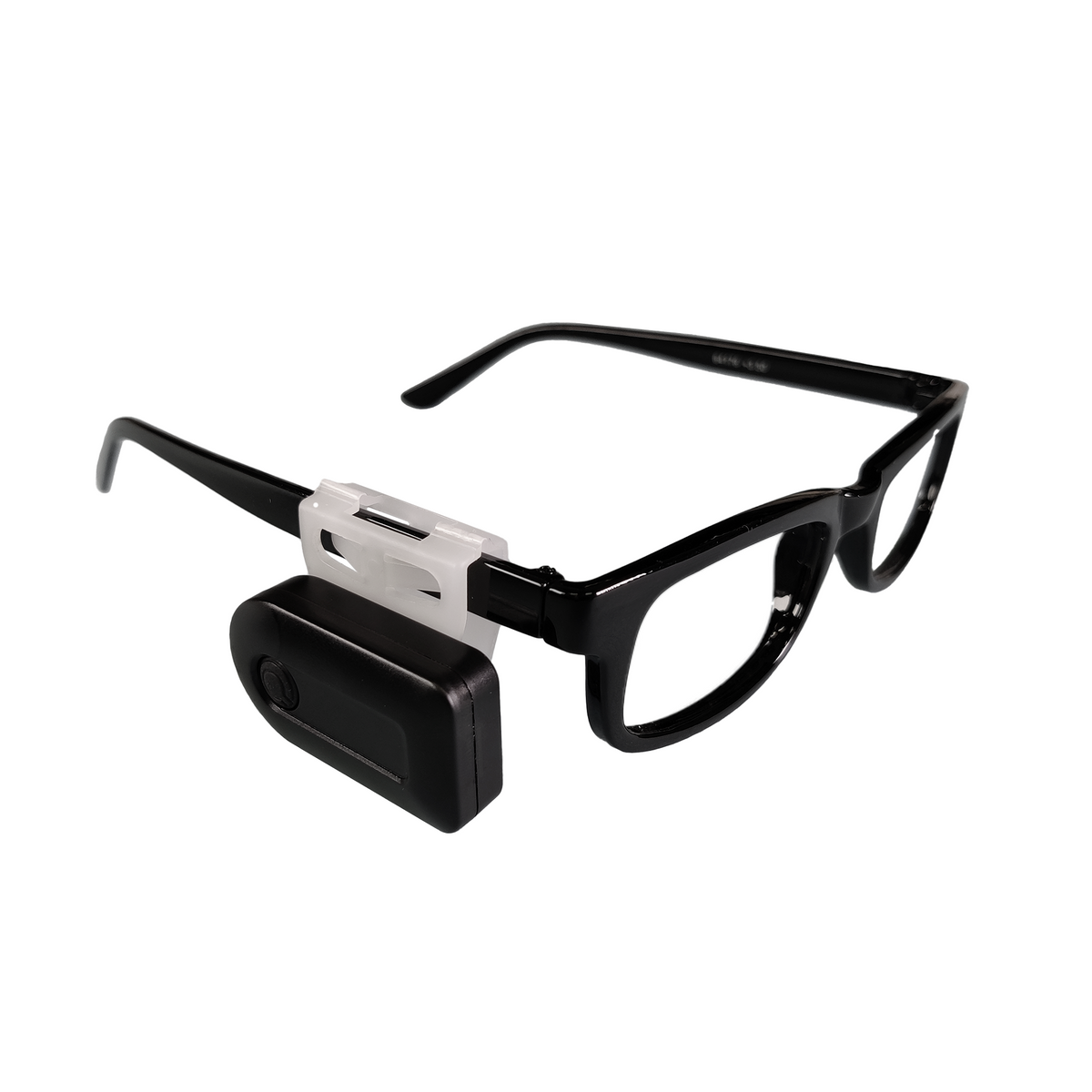
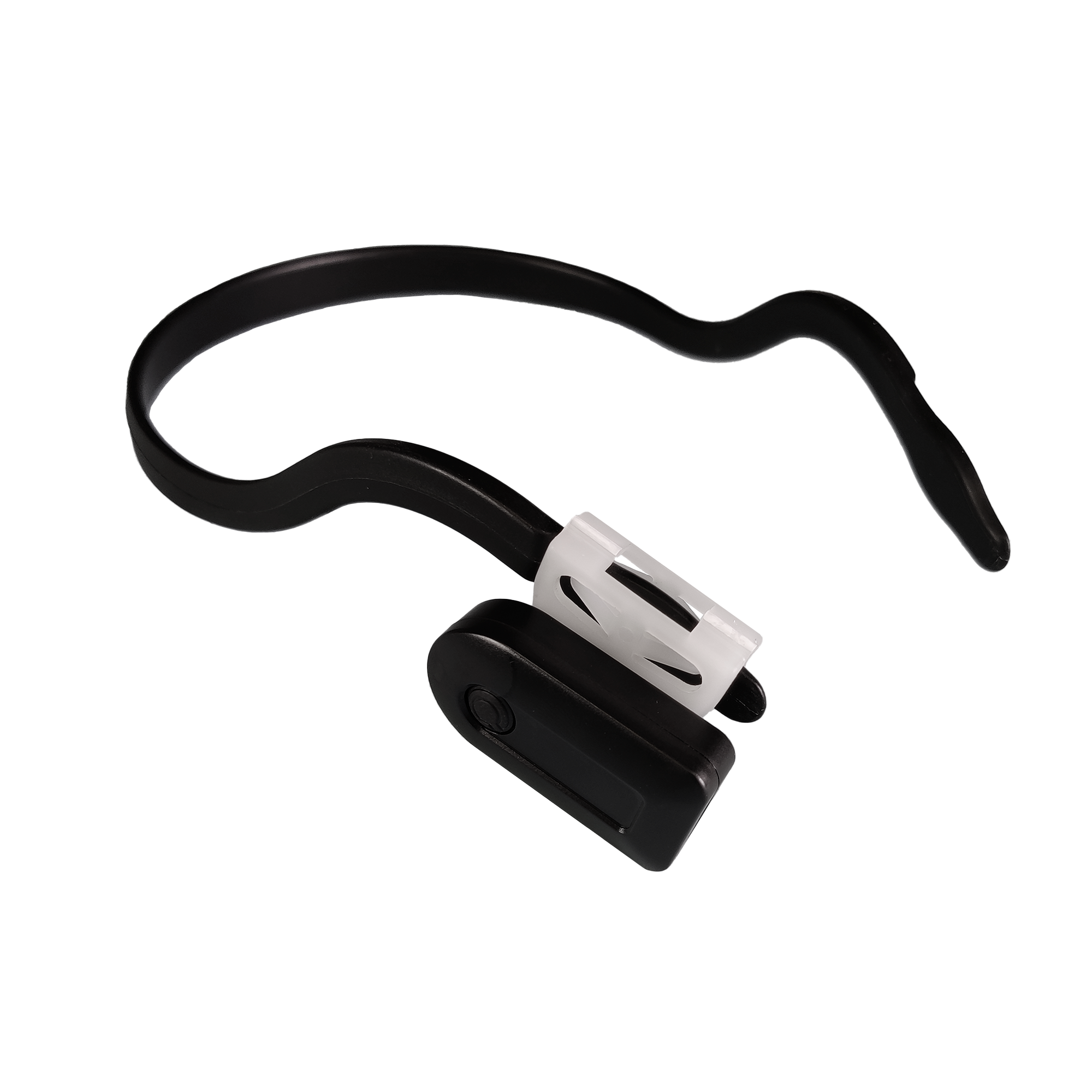
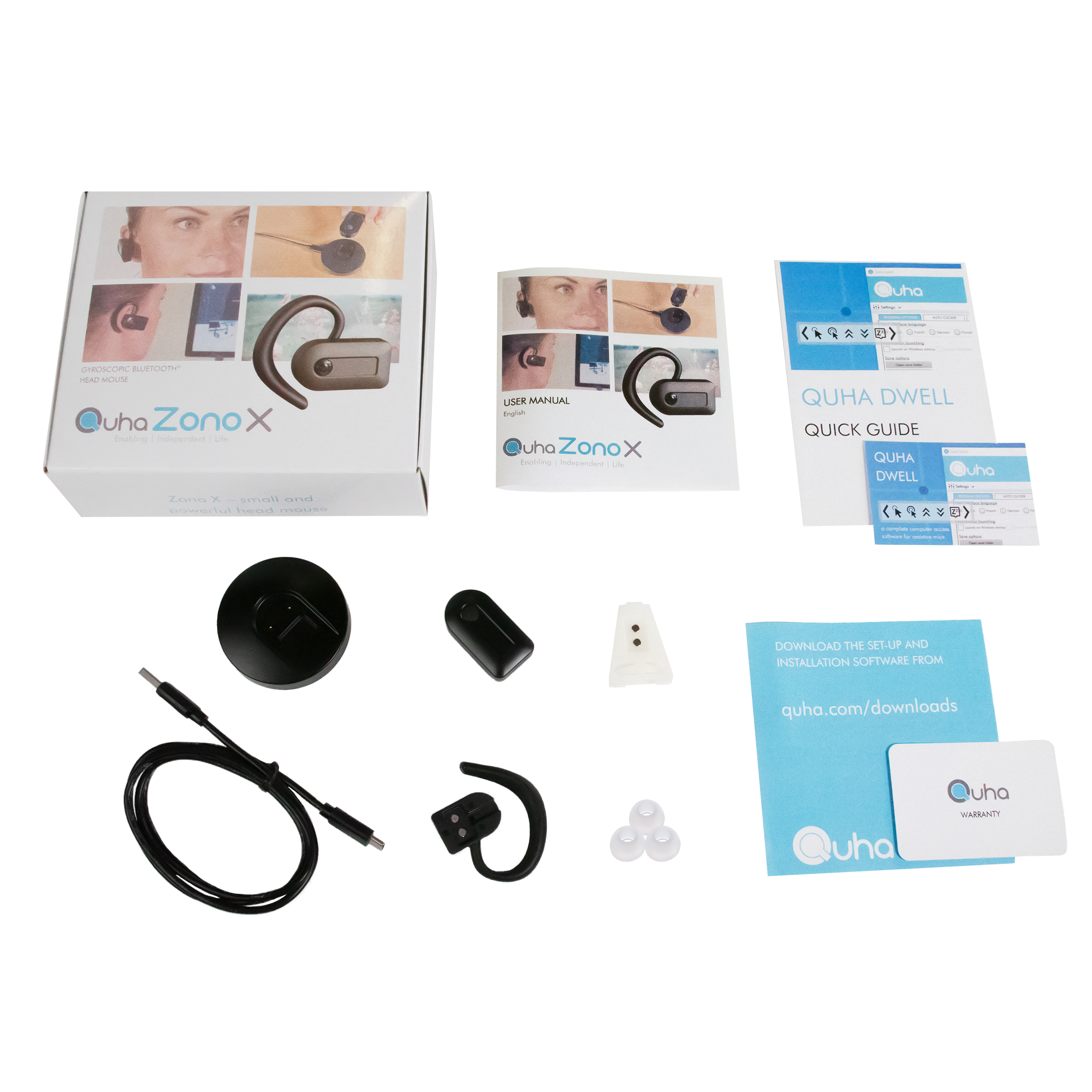
Easy-to-use magnetic ear clip or eyeglass clip for wearing the mouse
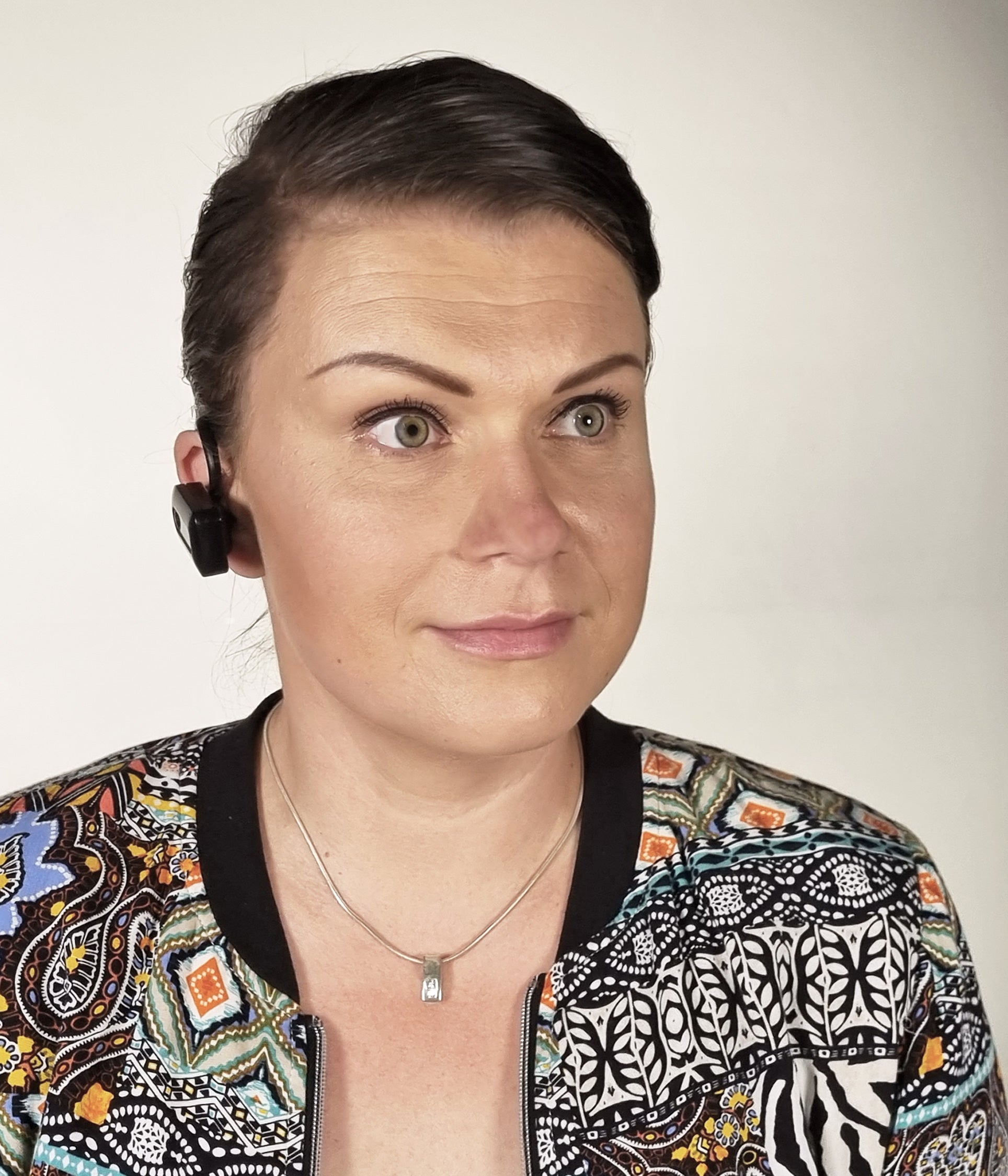
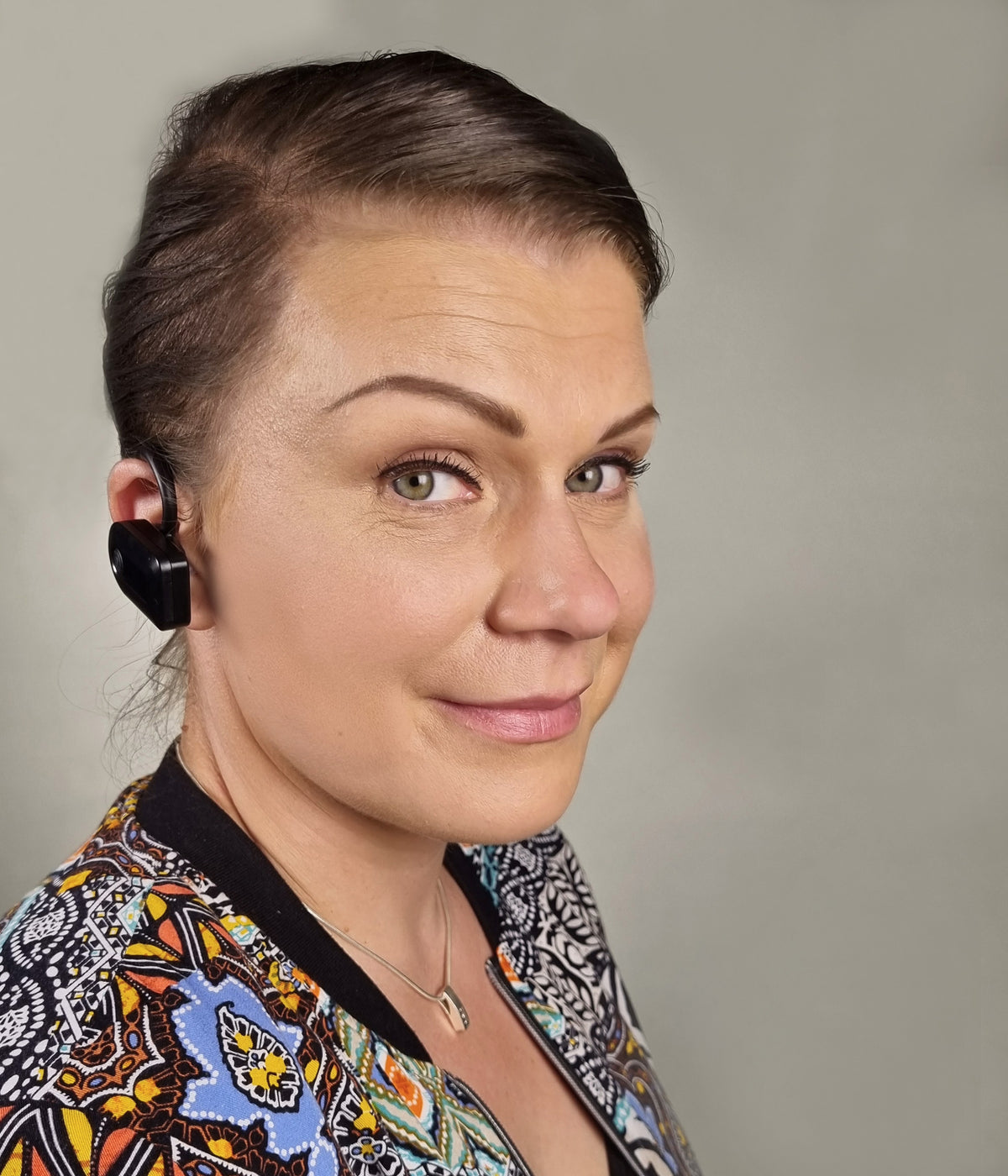
Use Quha Zono X on either side of your head.
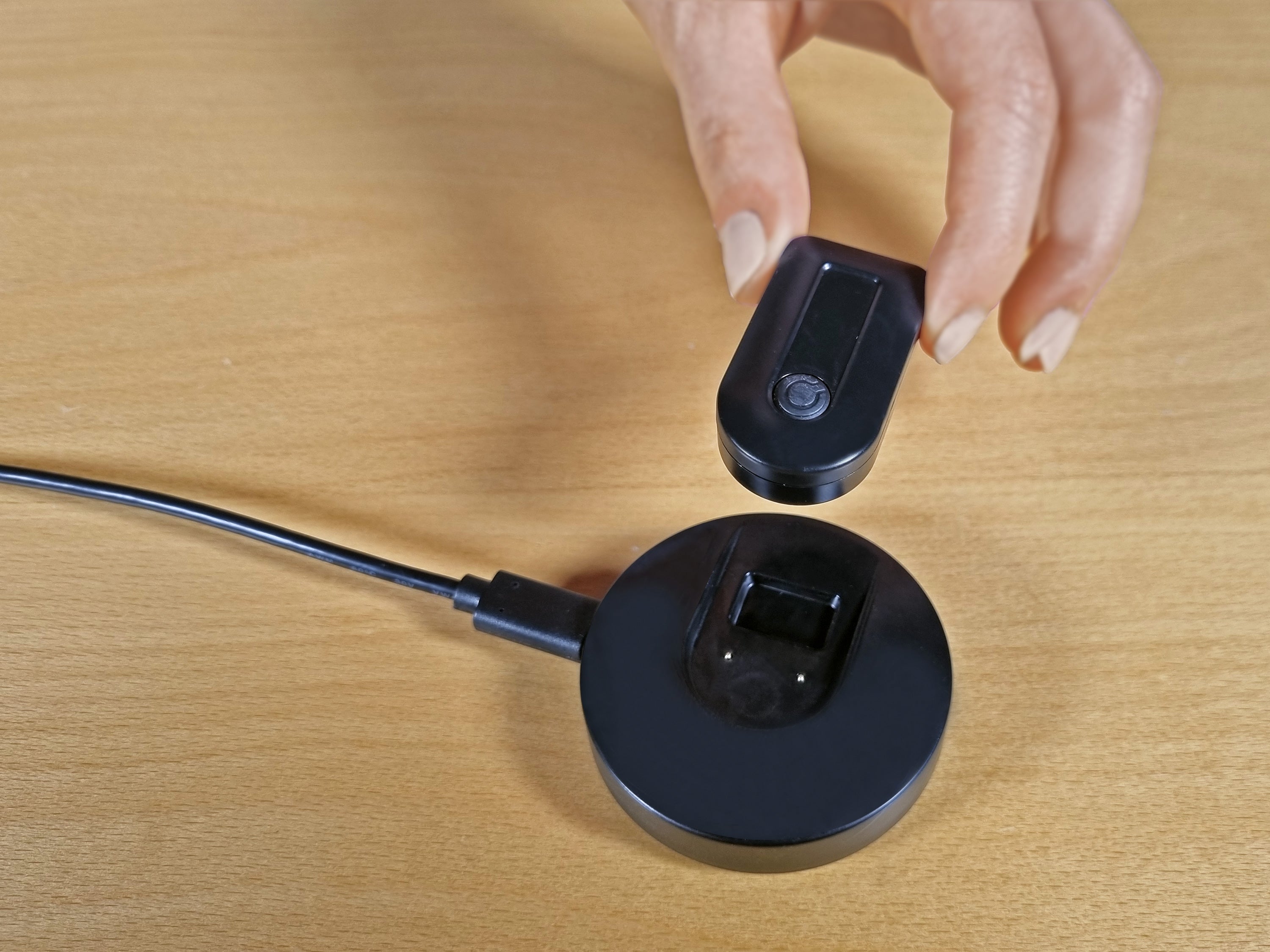
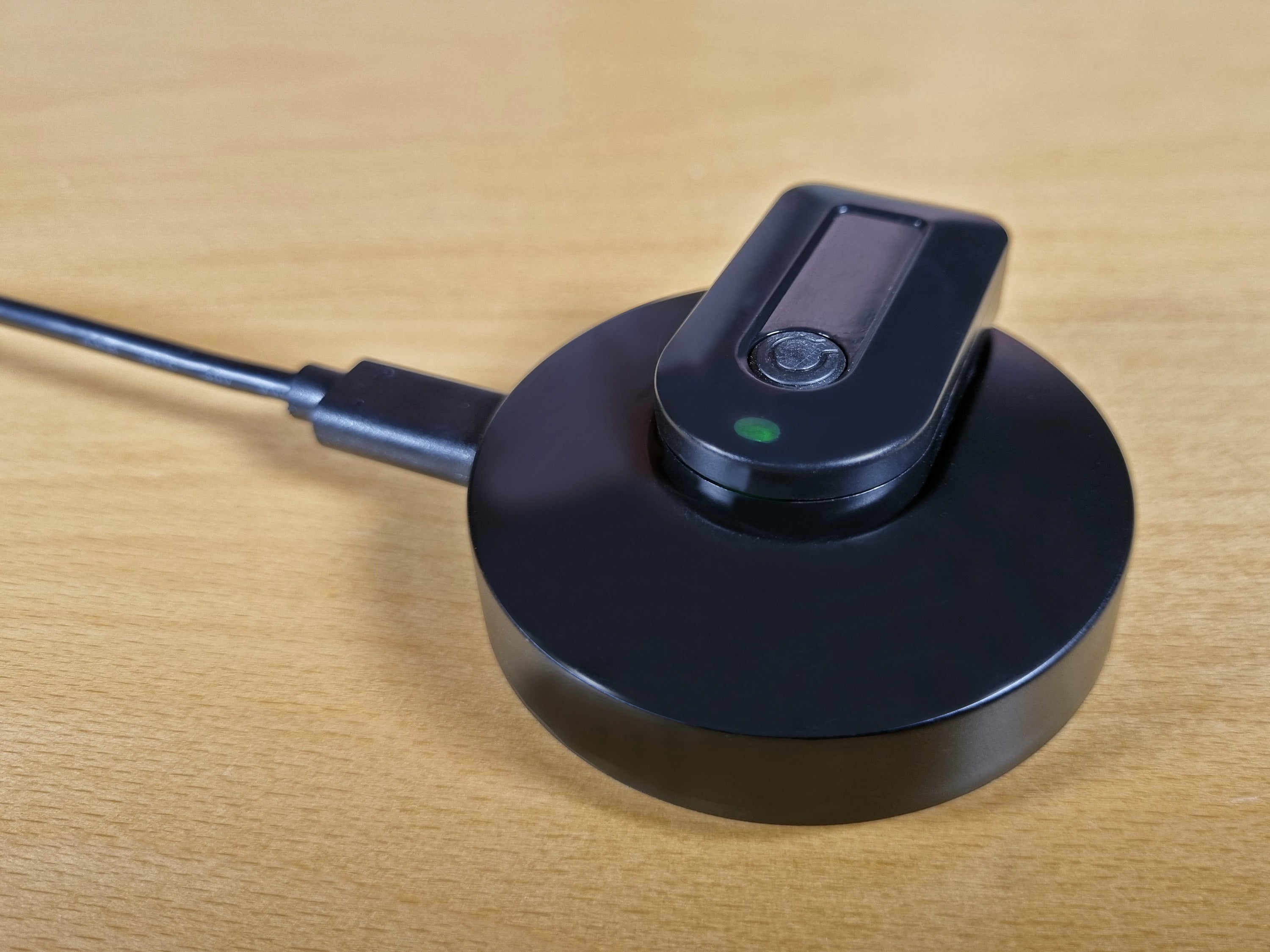
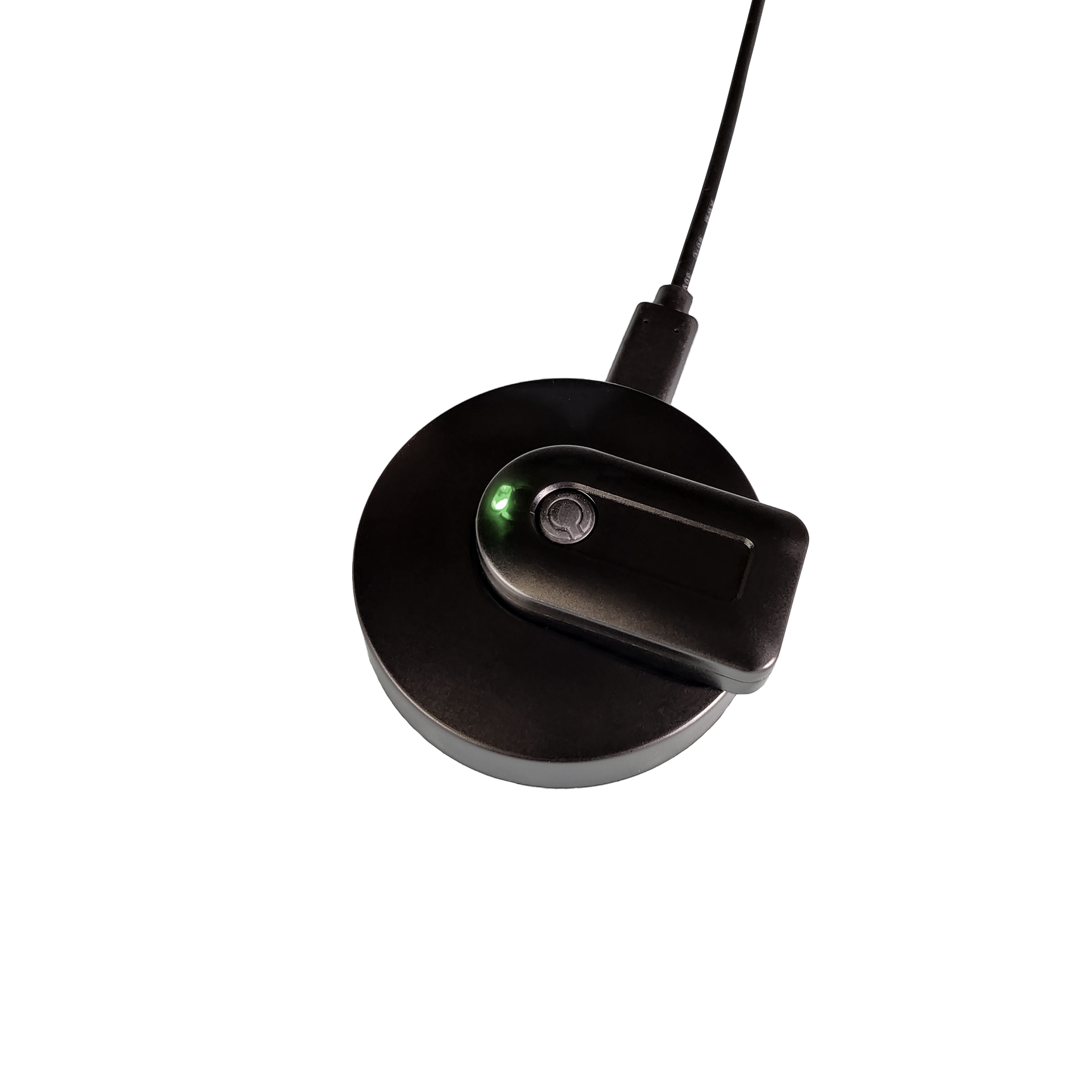
Rechargeable battery: Use time up to 18 hours with easy to use fast charging dock.
Freedom to move around while using the computer or mobile device
Adjustable settings: Cursor speed; Tremor filtering; Wearing side
Supports common clicking methods
Connect any switch to Headband for Zono X
Quha Sento Puff switch for Zono X
Dwell clicking with included Quha Dwell 2 or any other dwell software
Using a Bluetooth® switch or adapter
Gestures: Gesture recognition reads and interprets head movements to activate common features such as cursor pausing, window scrolling, cursor centering and multi-device switching.
Compatibility: Windows, macOS, iPad, iPhone, Android, Chrome OS and Linux devices with Bluetooth®
Audio indicator for confirming user input
How to use Quha Zono X mouse
This video is designed to make getting started simple and accessible. Whether you’re new to Quha Zono X or looking to explore its advanced features, this guide will help you make the most out of your device.
Product Specifications
Quha Zono 2 is a gyroscopic Bluetooth® head mouse. It uses a gyroscope to detect head movement and transforms it into intuitive onscreen cursor movement.
Technical Specifications
Quha Zono X mouse:
Dimensions: Length 44 mm / 1.7 inches, width 25 mm / 1.0 inches, thickness 13 mm / 0.5 inches, weight 12 g / 0.4 ounces
Bluetooth range:Up to 10 meters / 30 ft
Battery:LiPo (Lithium Polymer) 90 mAh. Active usage time is up to 18 hours depending on power saving/performance mode
Quha Zono and Zono 2 are made for everyone who wants to use an accurate head mouse or can’t use desktop computer mice. Typically the users are people with
Tetraplegia
Dysmelia
Amyotrophic lateral sclerosis (ALS)
Multiple sclerosis (MS)
Repetitive strain injury (RSI)
Muscular Dystrophy
Cerebral palsy (CP)
How does the double click assistant work?
The double-click assistant stops the cursor for a short time period after a click, making it easier to click second time without moving the cursor between the clicks. Thus, the double-click assistant will not make the double-click directly, but helps the user to do it more easily.
What options there are for dwell click?
There are many possibilities:
Windows: The best and the most versatile option is to useQuha Dwellsoftware. Other dwell clickers are also compatible with Quha Zono and Zono 2.
Mac: Dwell selection functionality is part of the accessibility settings in System Preferences -> Accessibility -> Keyboard -> Accessibility Keyboard -> Options.Tutorial videoavailable.
Chrome OS: Dwell selection can be activated in Accessibility -> Automatic clicks
Android:EaseMouseapplication can be purchased from Play Store or from Quha.
Why is the cursor drifting when I am not moving the mouse?
The Quha Zono mice have a motion sensor that detects the mouse movements and transforms these movements into cursor motion. The motion sensor is a highly accurate electric component and is affected by ambient temperature among other things. On those very rare occasions when the cursor starts to “drift”, the device can be calibrated by holding the mouse stationary for a few seconds. The easiest way to do this is to place the mouse on a table while it is on. The drifting is then automatically removed in a few seconds.
Why are gestures not working?
The gestures are off by default. Use Quha Zono 2 or Quha Zono X setup software to turn gestures on.
Make sure the gesture is performed according to theinstructions.
Gestures are supported by Quha Zono 2 and Quha Zono X mouse only.
Why has the mouse cursor suddenly disappeared/stopped?
If you are using a Quha Zono 2 or Quha Zono X mouse, you may have unintentionally performed the pause gesture and the cursor has been paused. You need to make the exit gesture to release the cursor. You can turn gestures on and off using the setup software.
Why are the mouse cursor movement jumpy/not smooth?
The mouse may be so far from the computer that the wireless signal is disrupted and some mouse movements are lost. Try selecting the high performance mode in the Quha Zono X setup application.
Accessories
173 HEADBAND FOR QUHA ZONO X Adjustable headband for Quha Zono X, includes 3.5mm connector for an external switch
195 QUHA SENTO FOR ZONO X WITH ADJUSTABLE HEADBAND Quha Sento Contactless Puff switch for Zono X, User Manual, Adjustable Headband
105 EAR CLIP FOR QUHA ZONO X Magnetic ear clip for Quha Zono X, 3 silicone ear tips107 50 X REPLACEMENT EARTIP FOR EAR CLIP
106 EYEGLASS CLIP FOR QUHA ZONO X
112 UNIVERSAL MOUNT FOR QUHA ZONO X Quha Zono X mount with hook and loop fastener
201 MAGNETIC CHARGING DOCK FOR QUHA ZONO X Fast charging dock for Quha Zono X, USB-C cable